- USD 9.99
- View more offers at FS Addon Compare
- Added: July 27, 2026
- Updated: August 3, 2026
IMPORTANT INSTALLATION NOTE:
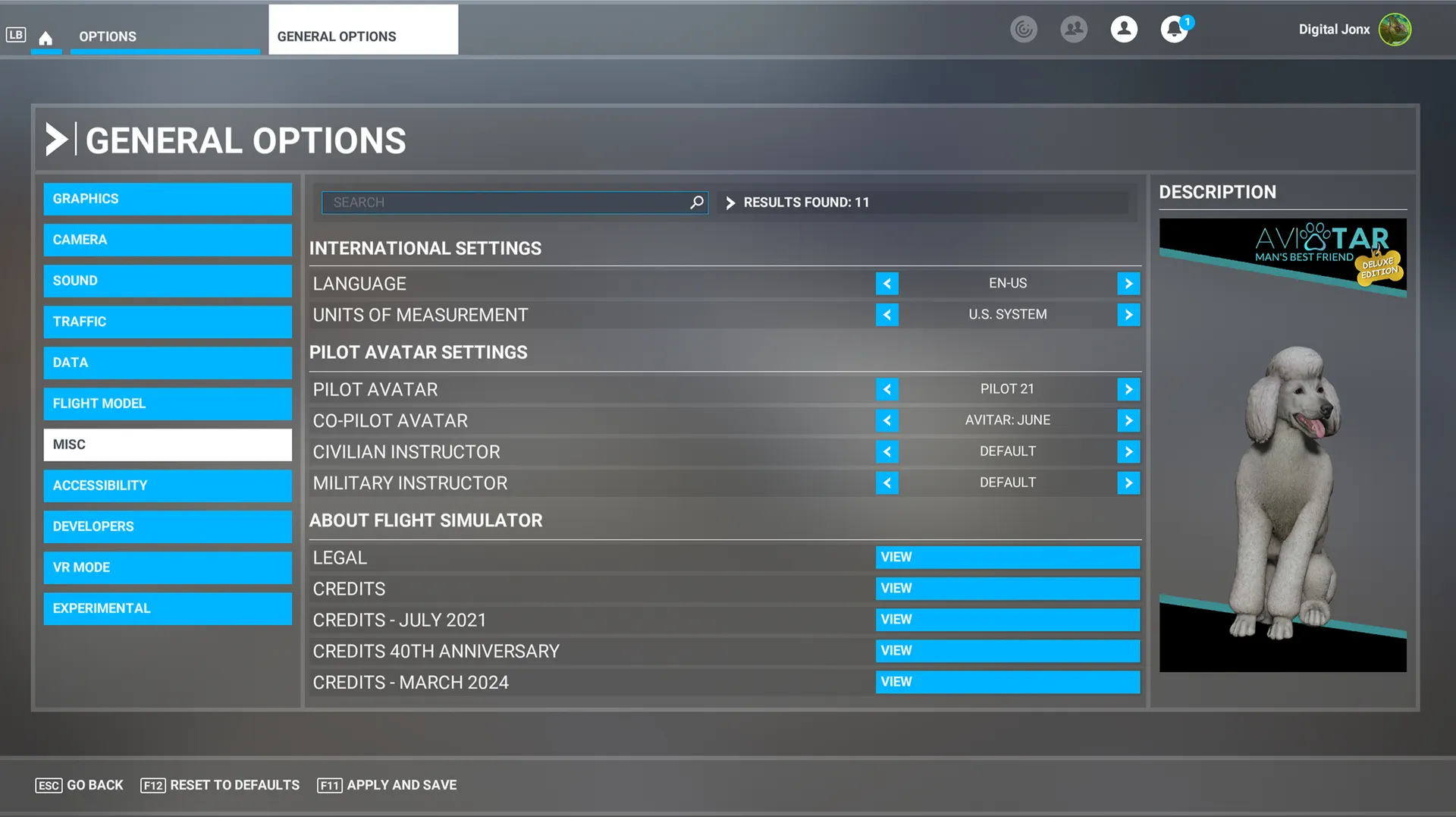
After purchasing and installing Man’s Best Friend: Deluxe, Microsoft Flight Simulator must be fully restarted before your new companions will appear. On Xbox Series X|S, exit the simulator and completely close the running game before launching it again. Once restarted, your new companions can be selected under General Options --> Miscellaneous.
BRING LIFE TO YOUR AIRCRAFT:
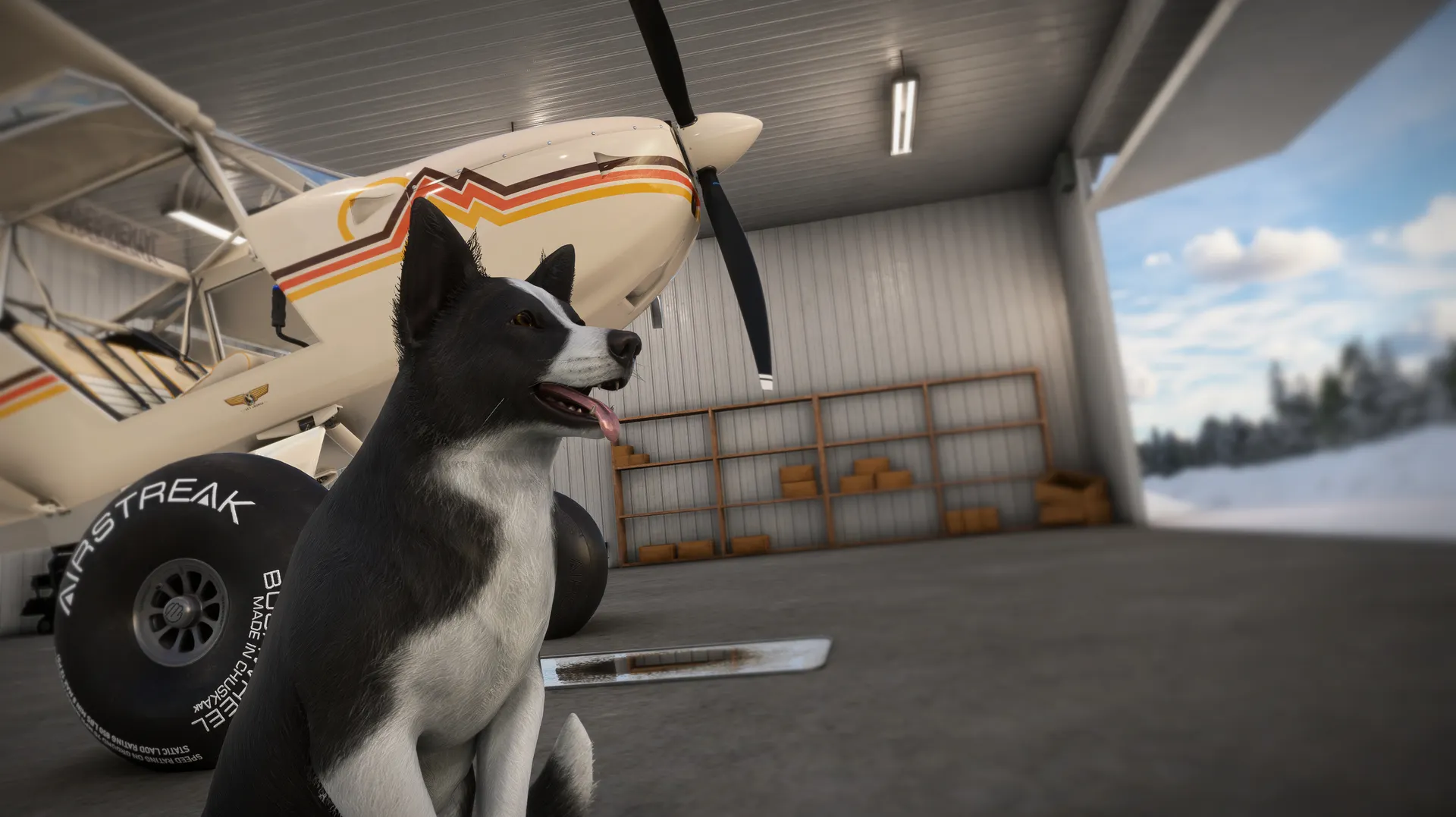
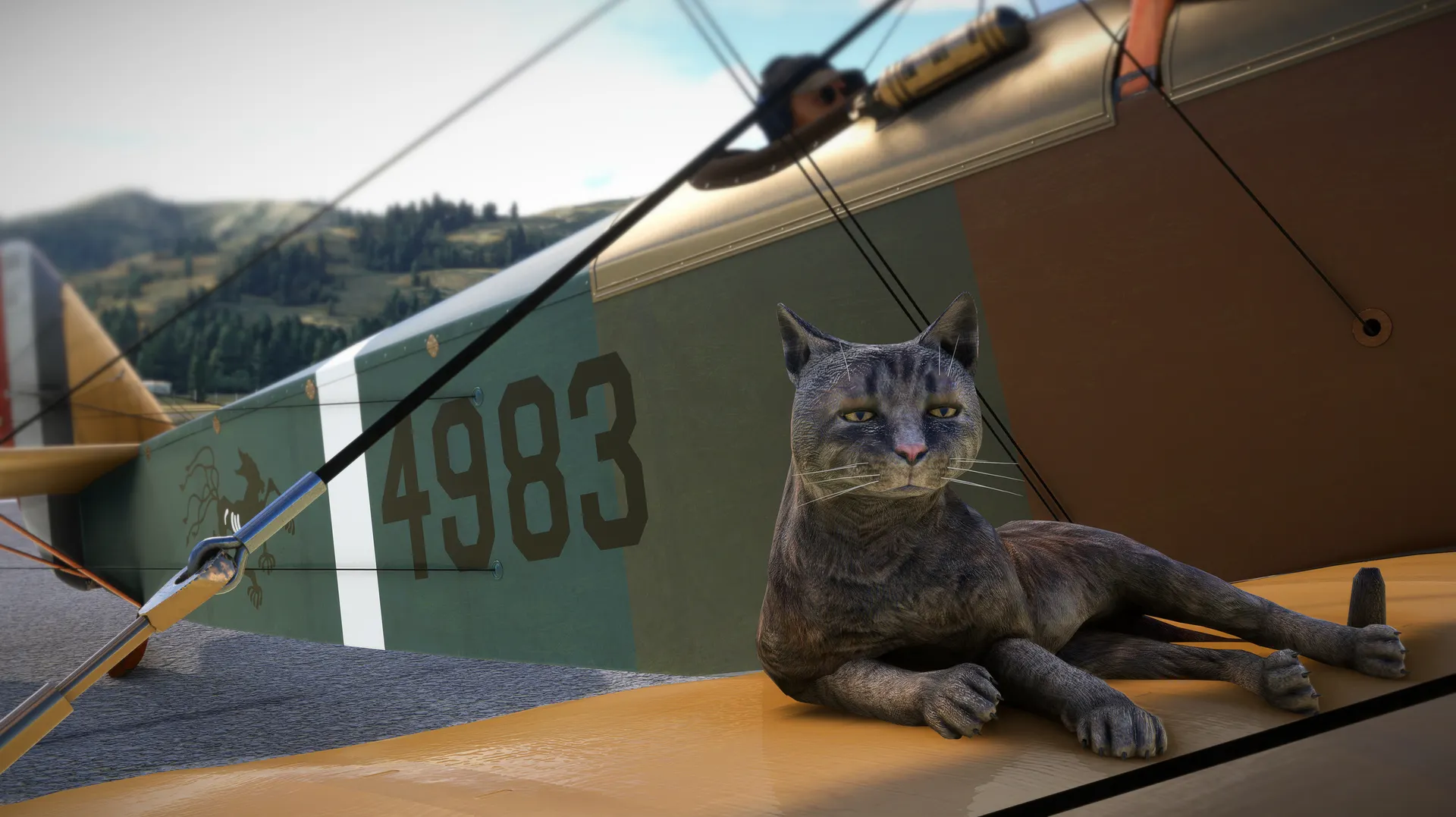
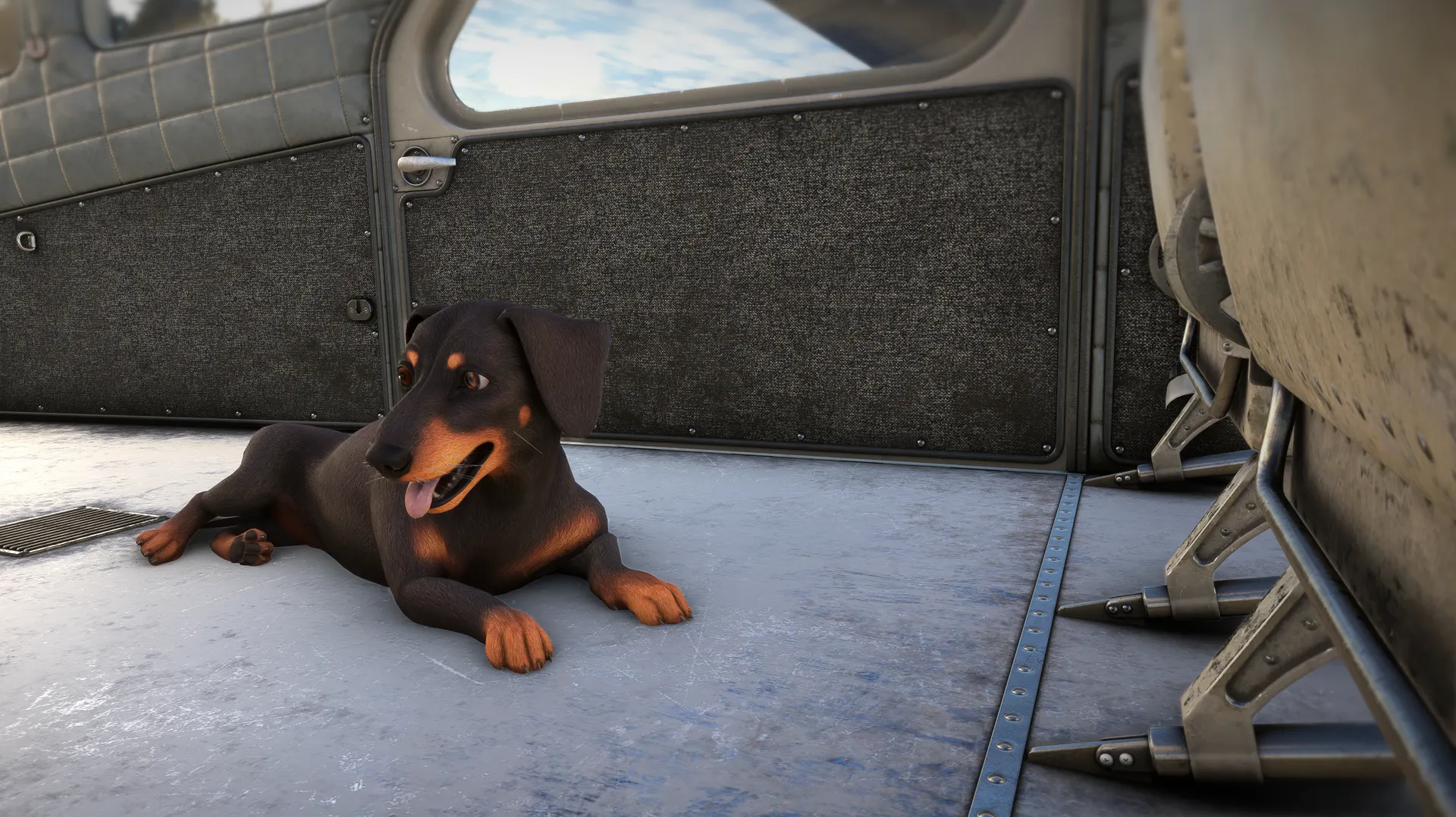
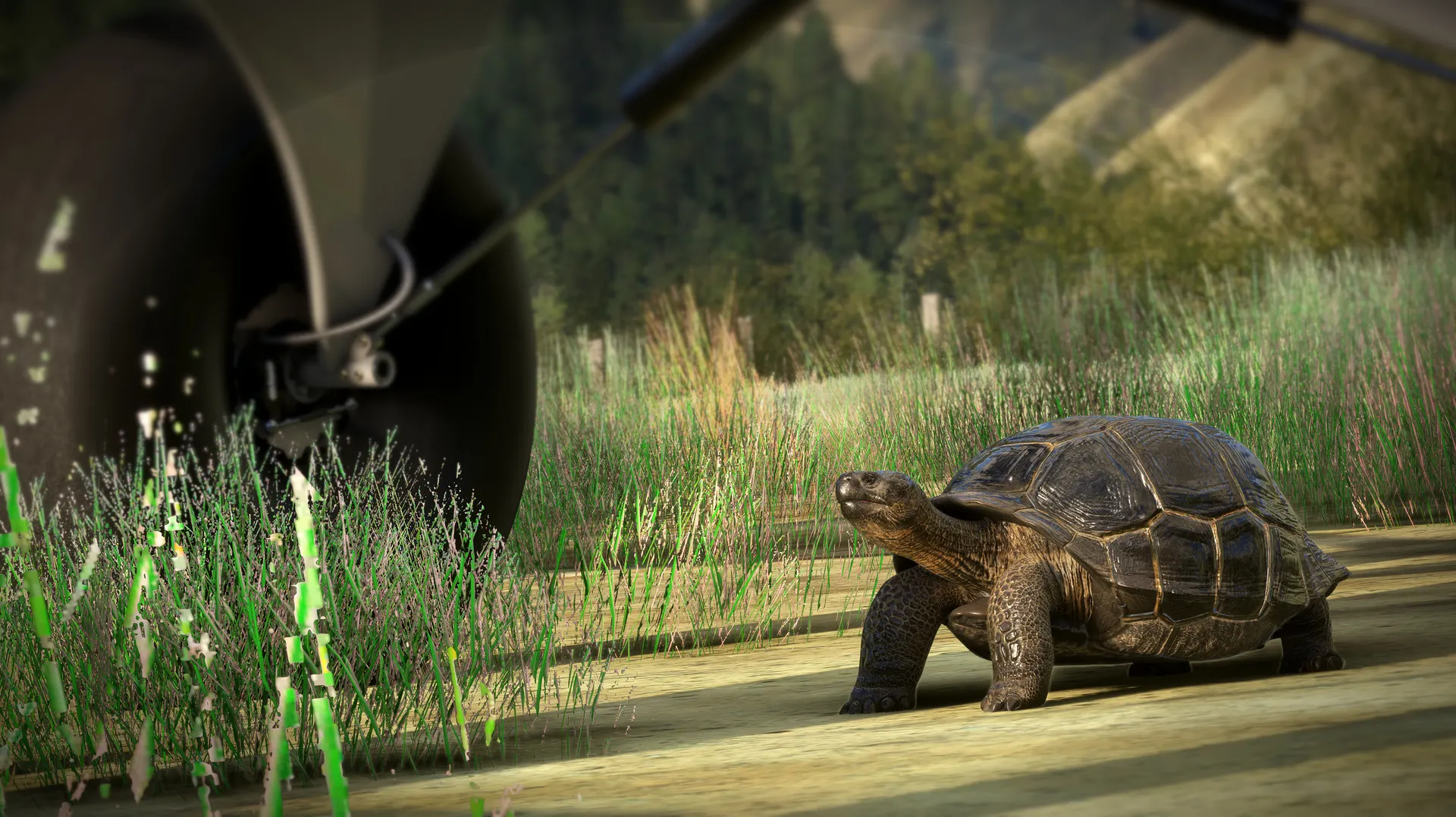
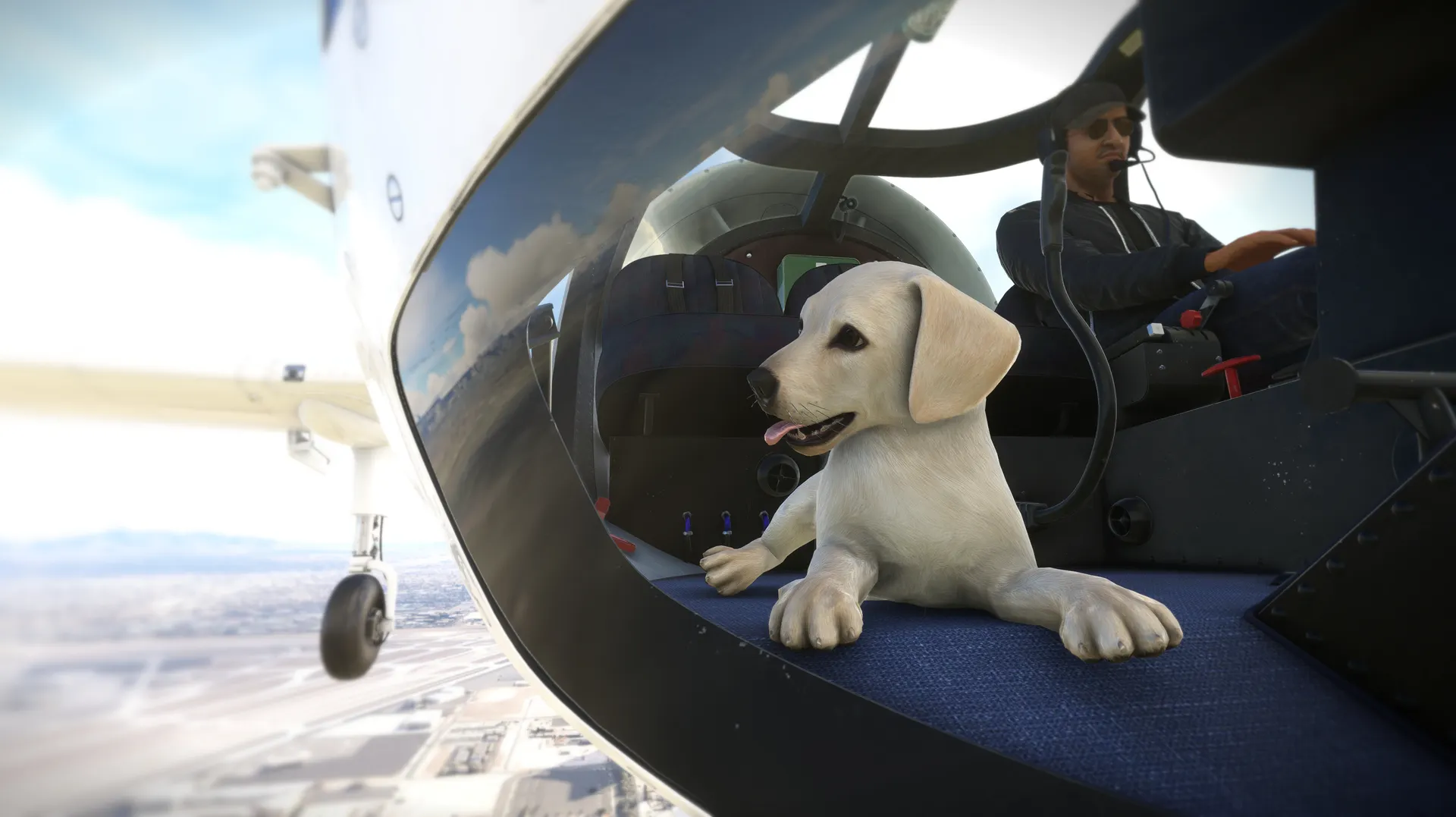
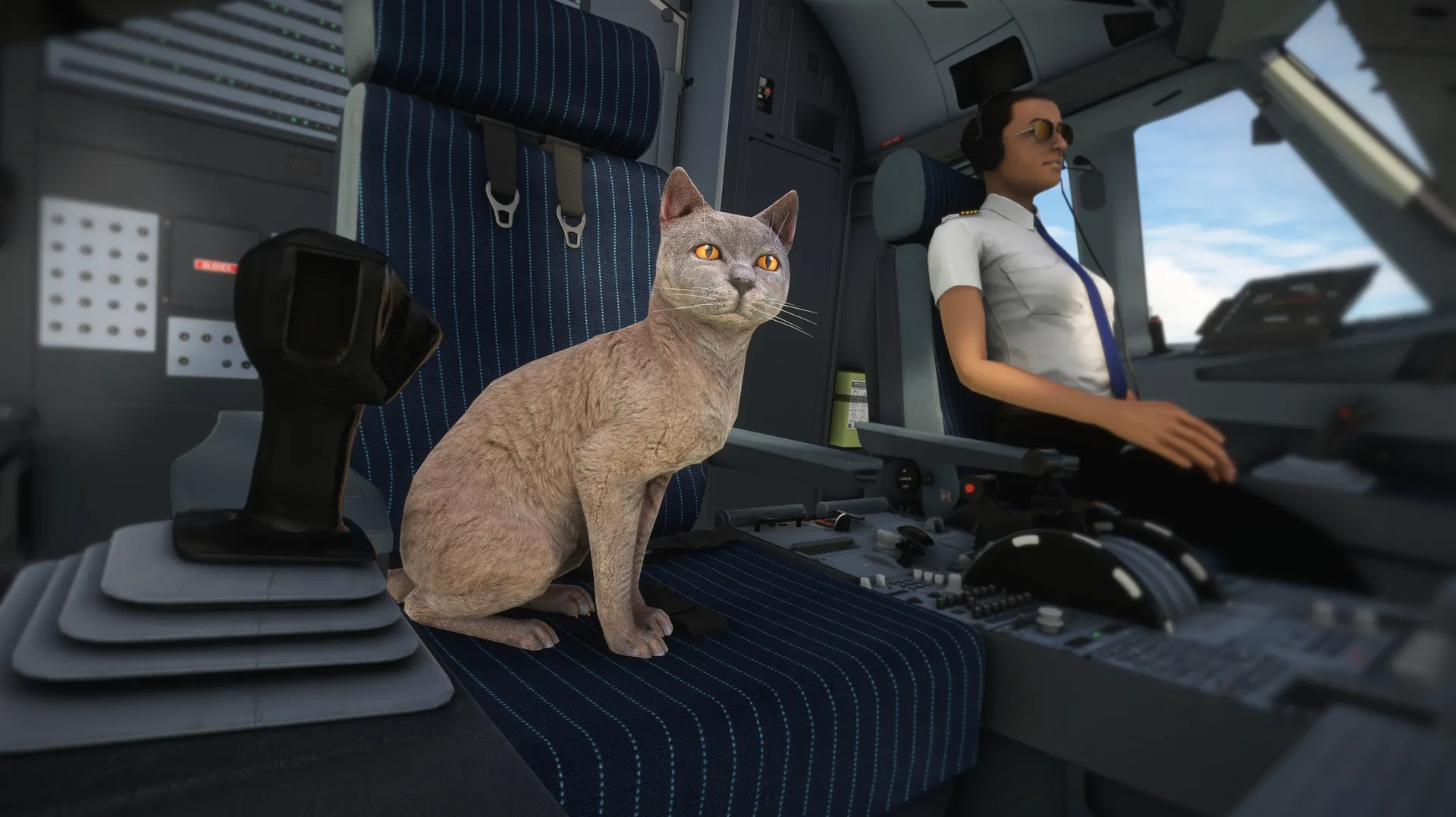
Man’s Best Friend brings dogs, cats, and other animal companions to Microsoft Flight Simulator. Each Avitar includes a detailed 3D model, high-quality textures, and unique idle animations designed for its size and personality. Whether sightseeing, exploring the backcountry, or capturing screenshots, your companion can join every adventure.
HUGE COMPANION COLLECTION:
The Deluxe Edition includes over 40 animal types and breeds, plus nnimal variations that expand the collection to more than 128 Unique Companions. Animations throughout the collection have also been improved with smoother transitions, unique hand-crafted movement for each companion, and added polish and refinements throughout the collection.
AVITAR NEST TECHNOLOGY:
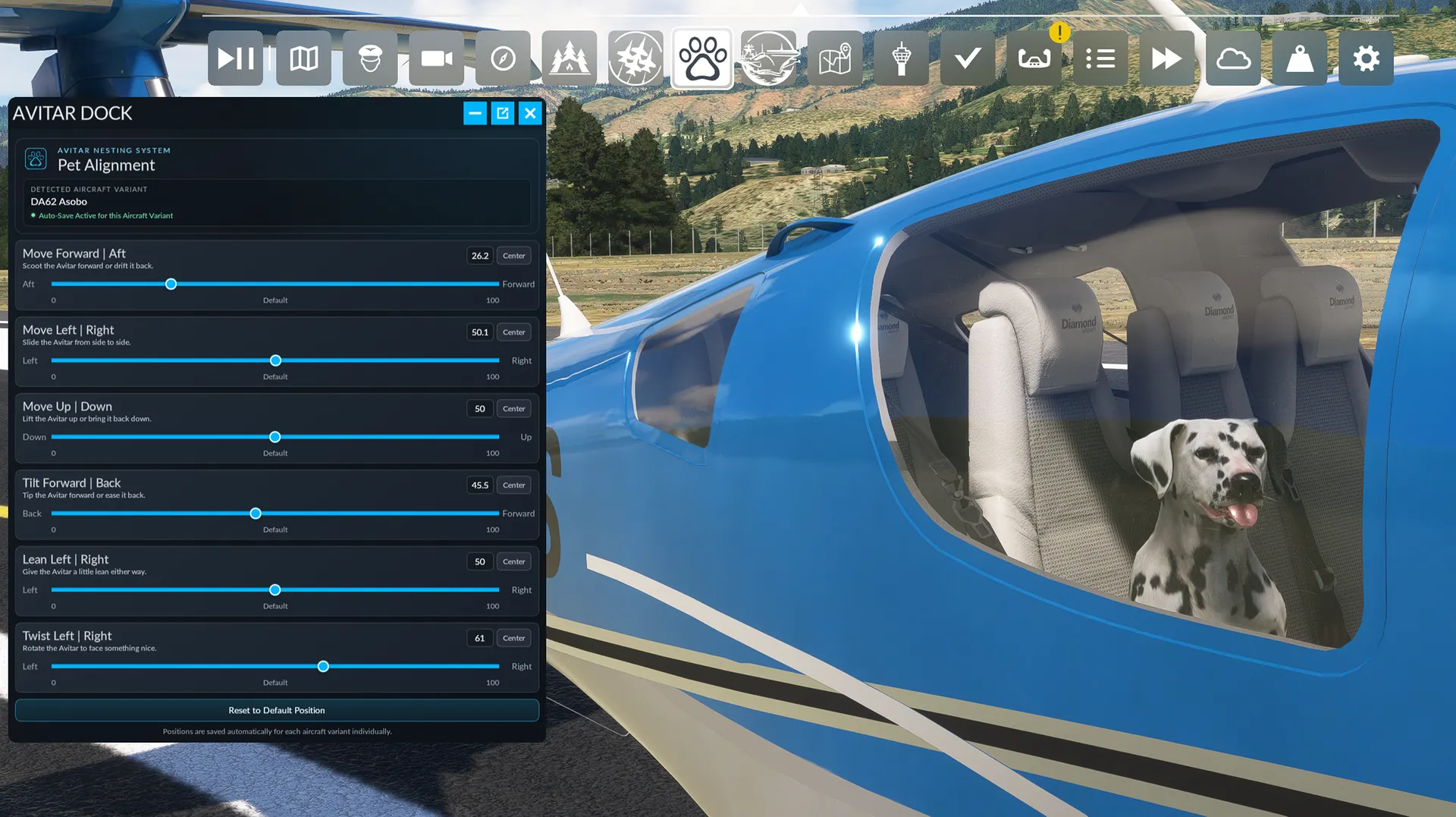
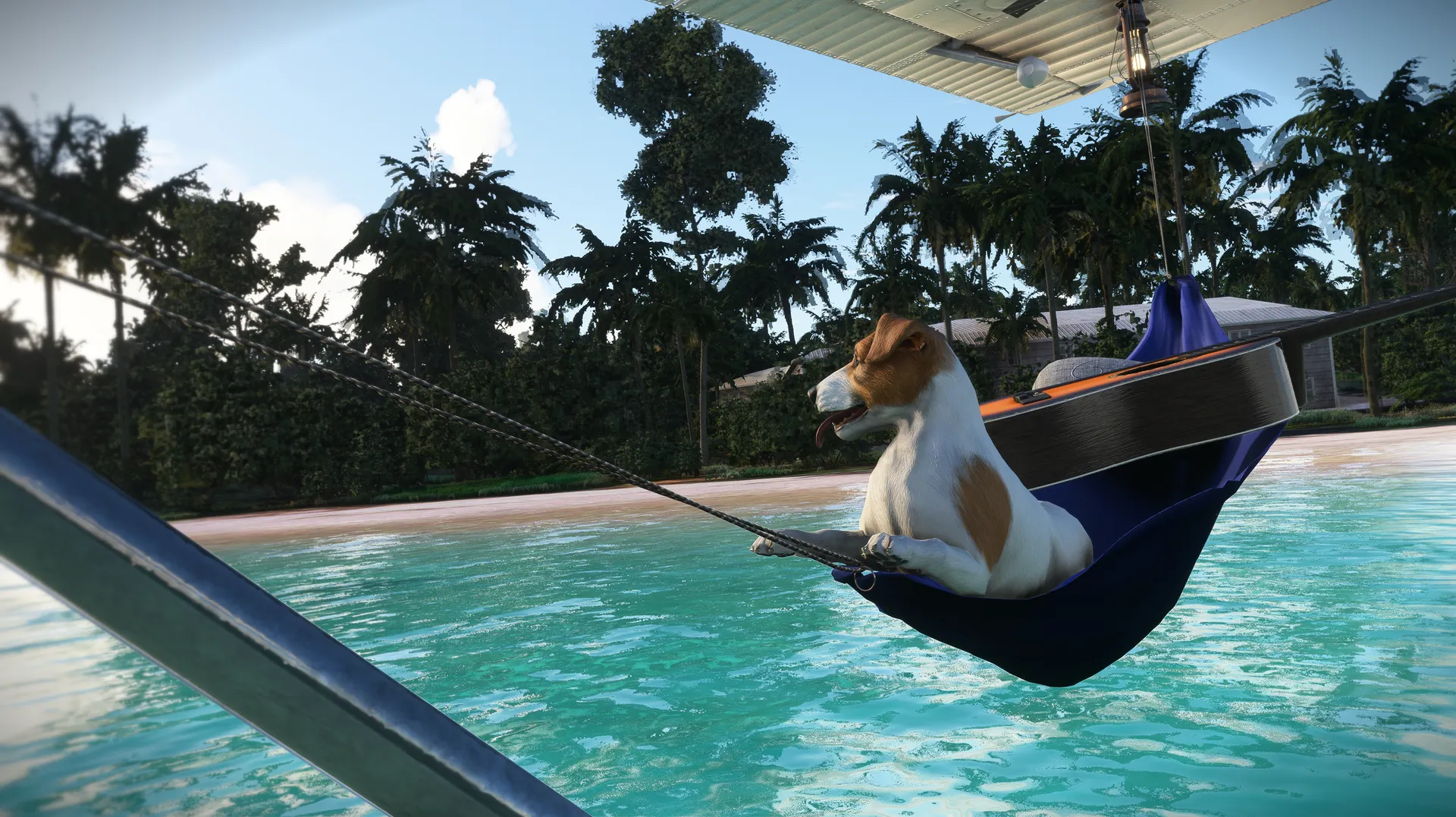
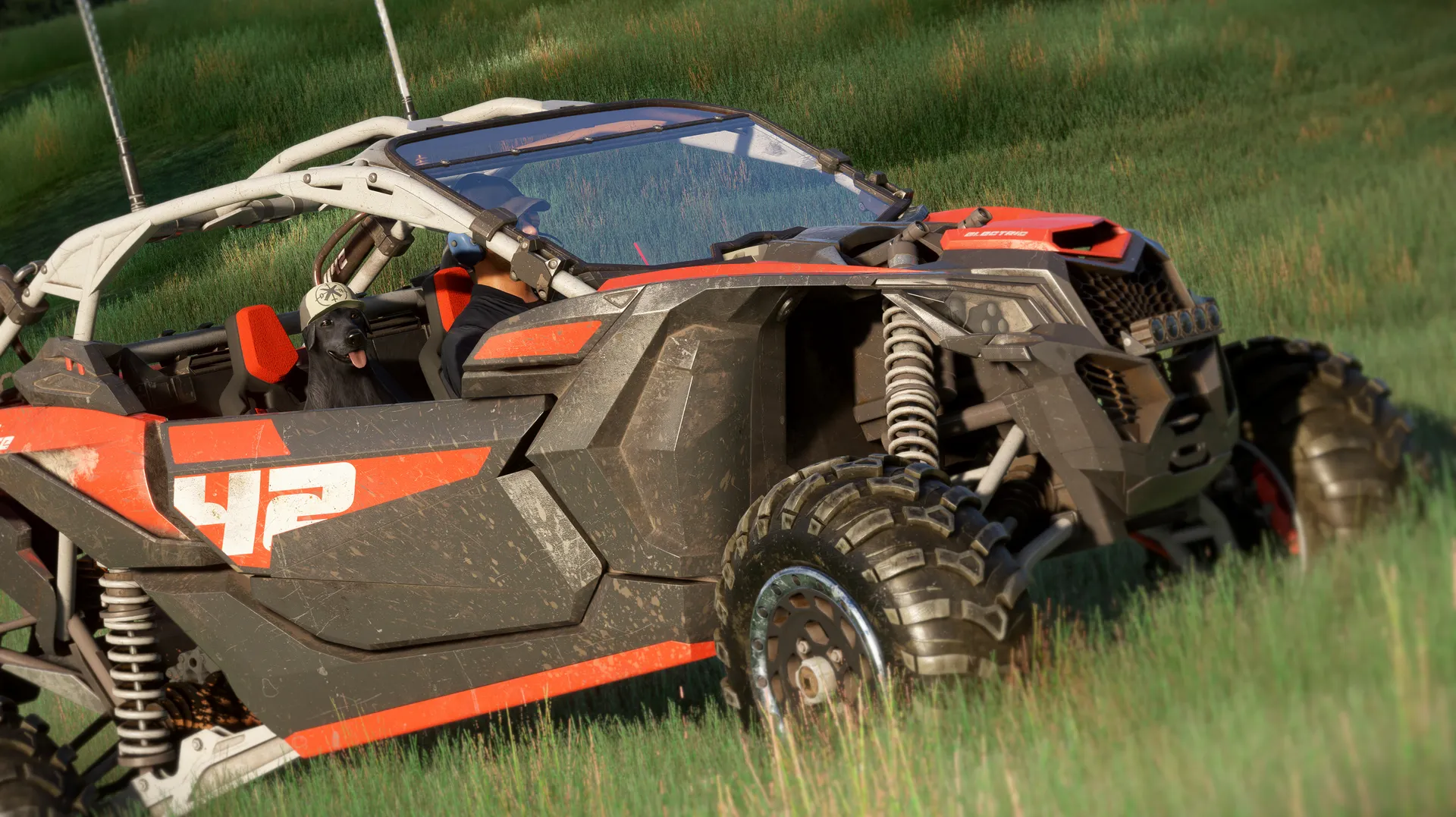
The all-new Avitar Nest Technology provides six-axis placement controls, allowing you to move your companion forward, backward, left, right, up, or down, then adjust its tilt, lean, and direction to fit nearly any aircraft. Positioning is saved automatically for each aircraft variant and restored the next time you fly. Avitar Nest is not limited to the copilot seat, allowing companions to be placed in the cabin, beside the aircraft, on the ground, or anywhere else near the aircraft.
FEATURES:
» Free Upgrade to the Native Microsoft Flight Simulator 2024 Edition
» Massive Collection of More Than 40 Animal Types
» 3+ Unique Variants for Each Animal Type, Providing Over 128 Companions
» Custom Avitar Nest Positioning System Accessible from the In-Game Top Bar and in VR
» Six-Axis Placement Controls for Position, Tilt, Lean, and Direction
» Newly Detailed 3D Models with High-Quality Custom Textures
» Unique, Smooth Idle Animations Designed Specifically for Each Companion
» Native Integration with the Microsoft Flight Simulator 2020 Copilot System
» Automatic Position Saving for Every Individual Aircraft Variant
» Flexible Placement Inside or Outside Any Aircraft
» Dedicated Selection Thumbnails for Every Included Companion
» Designed for Everyday Flying, Exploration, and Cinematic Photography
» Visible Cockpit Copilot Support on Compatible Aircraft, Subject to Individual Aircraft Developer Implementation
HOW TO GET STARTED:
» Purchase, Download, and Install Man's Best Friend: Deluxe
» Fully Close and Exit Microsoft Flight Simulator 2020
» Restart Microsoft Flight Simulator
» Navigate to General Options --> Miscellaneous
» Set the Copilot Selection to Your Desired Companion
» Select an Aircraft; We Recommend Using One Designed to Display the Copilot Inside the Cockpit
» Once Loaded into the Aircraft, Open the Avitar Nest Panel from the In-Game Top Bar Menu
» Use the Six-Axis Controls to Adjust Your Companion’s Position, Tilt, Lean, and Direction
» Your Positioning Selections Will Automatically Save for Each Individual Aircraft Variant
» When You Return to That Aircraft, Open Avitar Nest and Your Saved Positioning Data Will Automatically Load
Man’s Best Friend is dedicated to every companion who left paw prints on our hearts and memories that never fade. Though they may no longer be beside us, the love, loyalty, and joy they gave us remain part of every journey. This add-on is for the pets we miss, the friends we will never forget, and the belief that, in some small way, they are still flying with us.