- USD 19.99
- View more offers at FS Addon Compare
- Added: April 6, 2026
- Updated: October 2, 2026
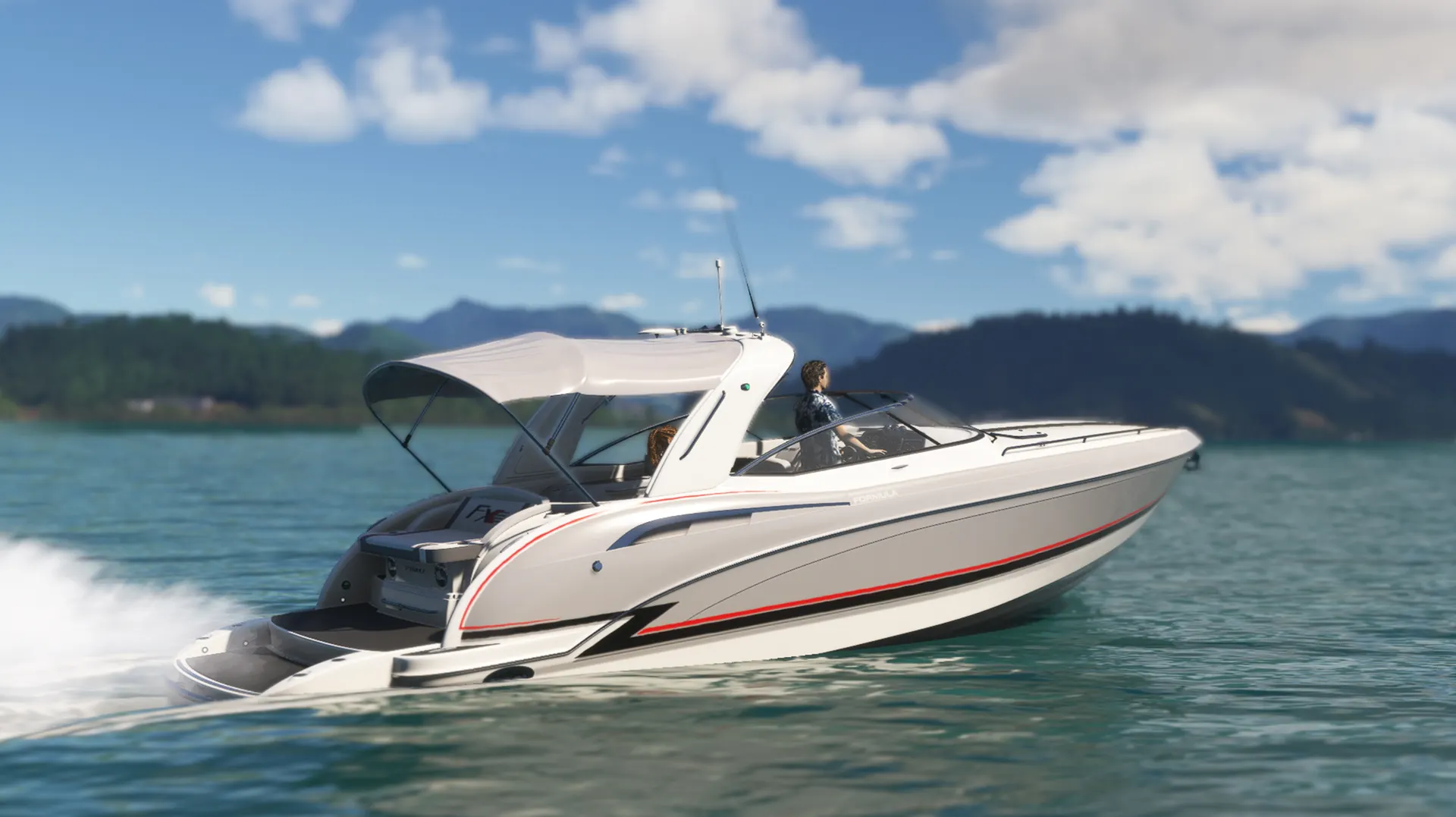
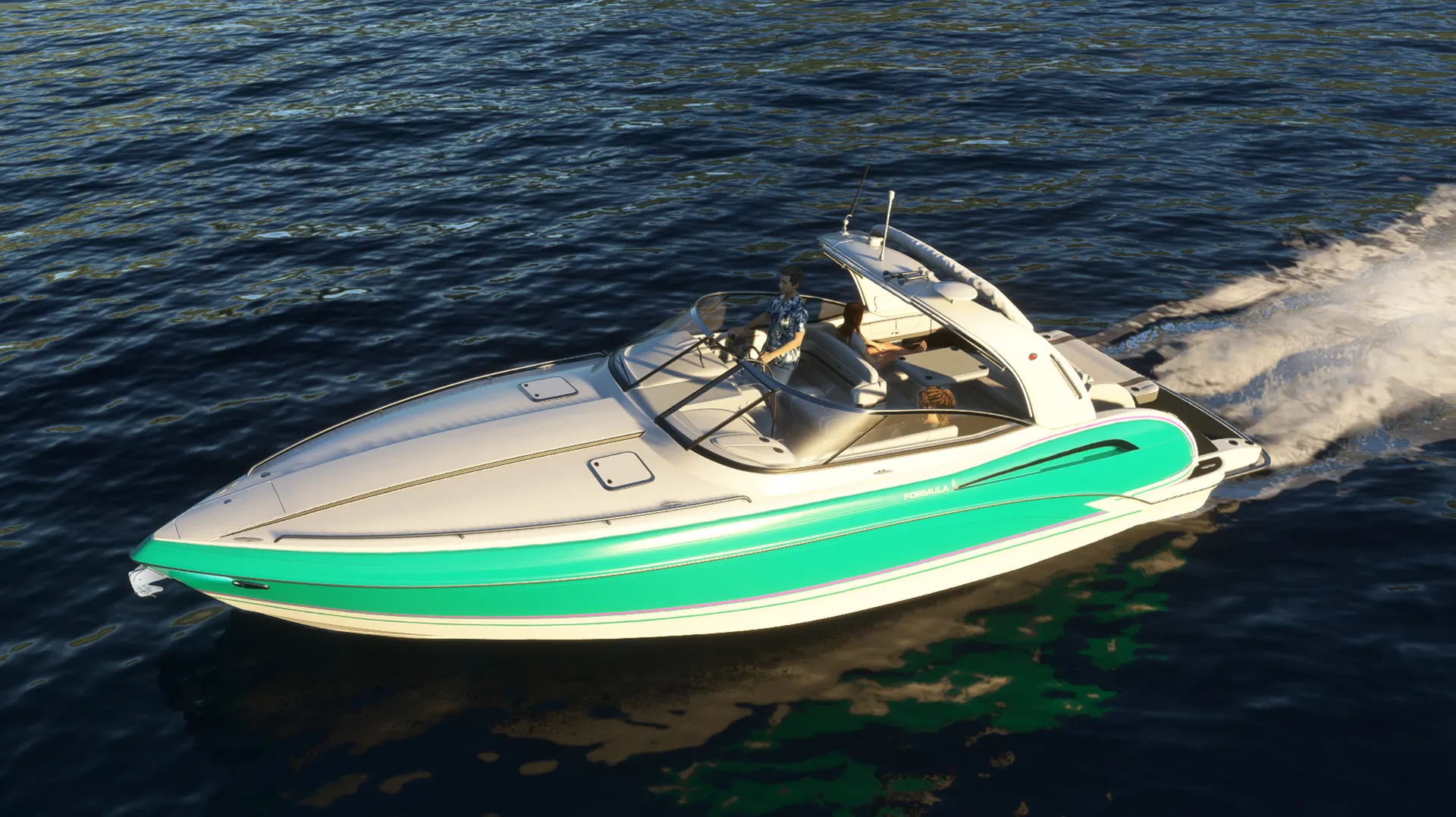
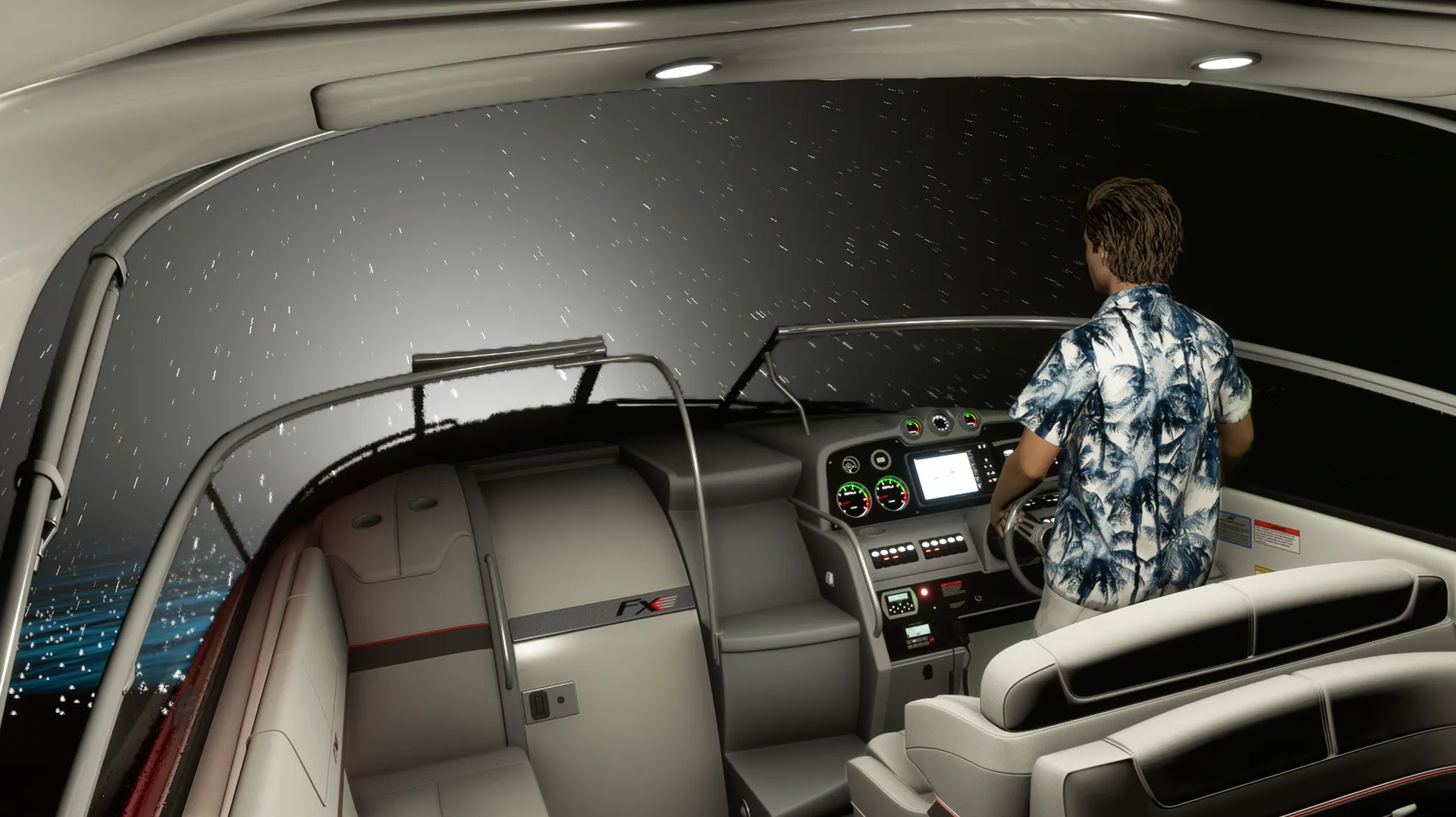
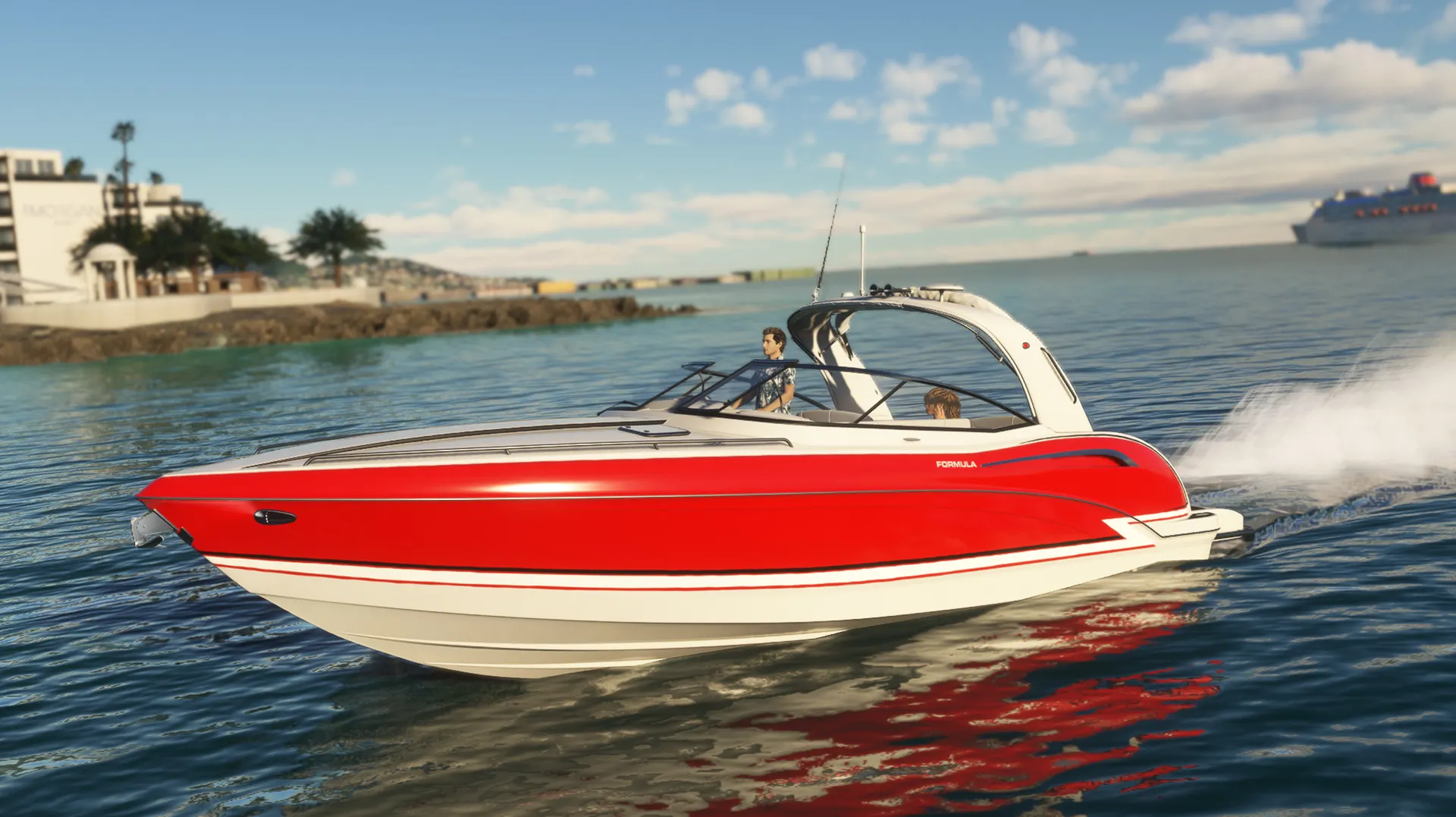
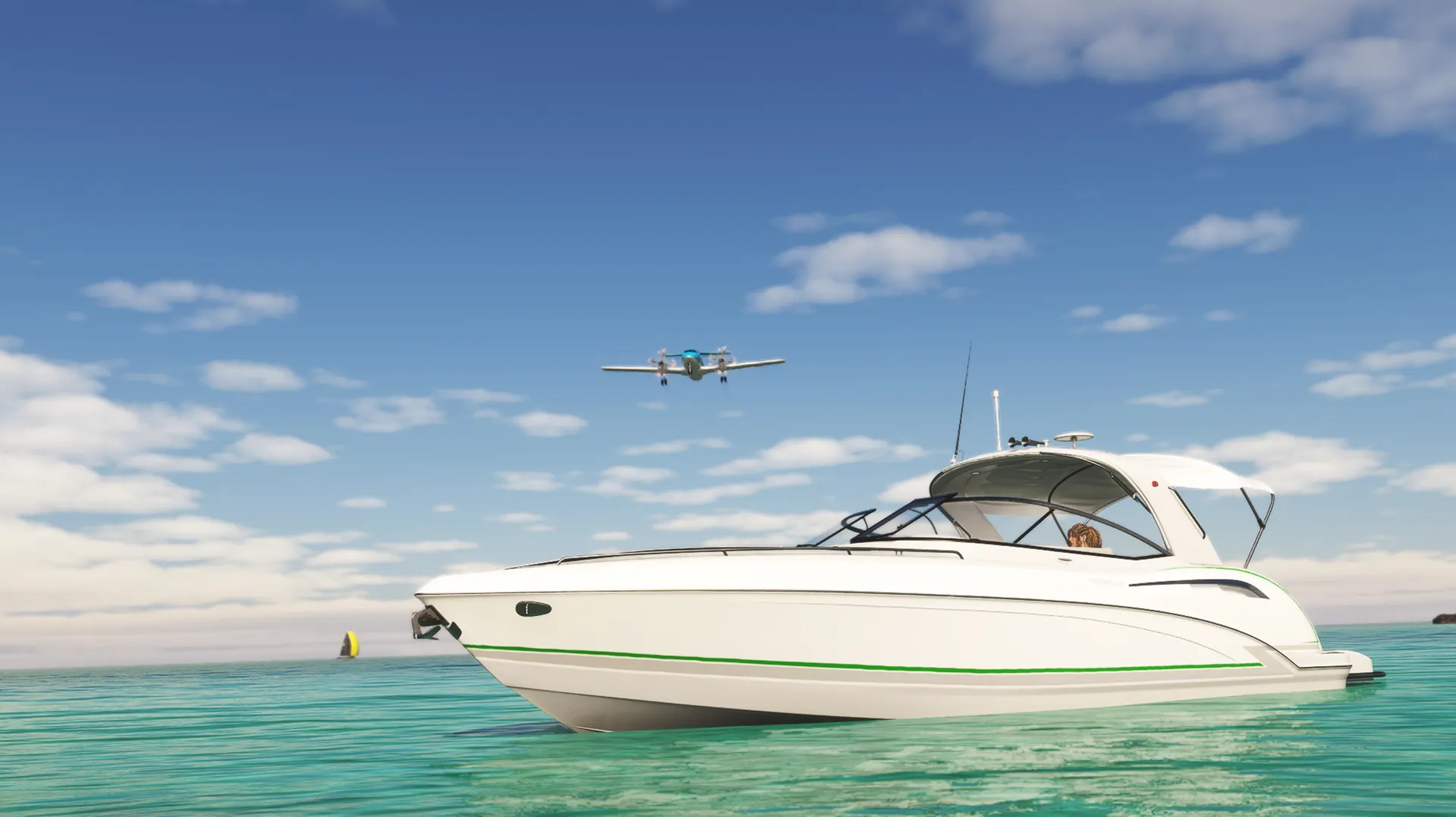
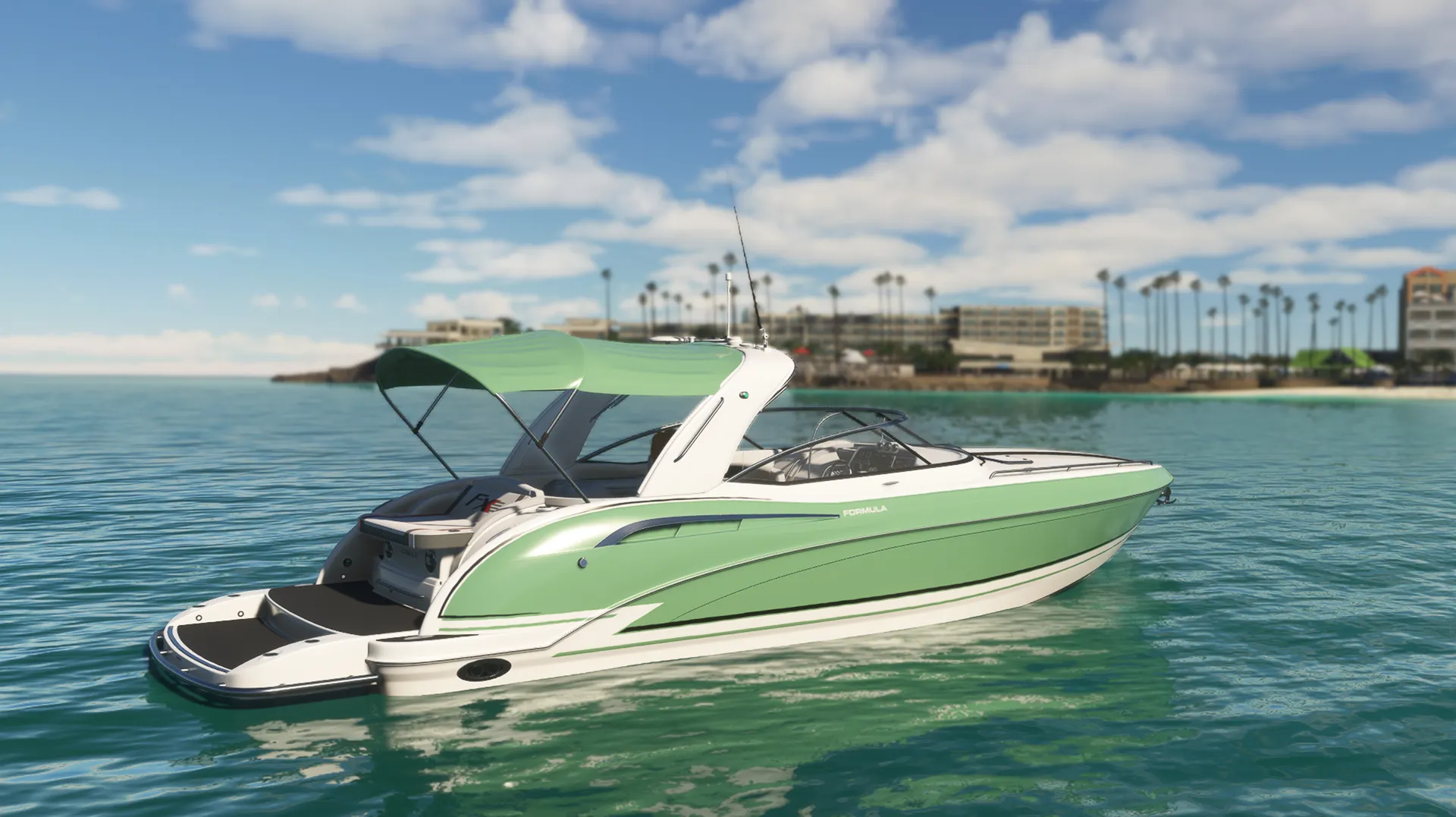
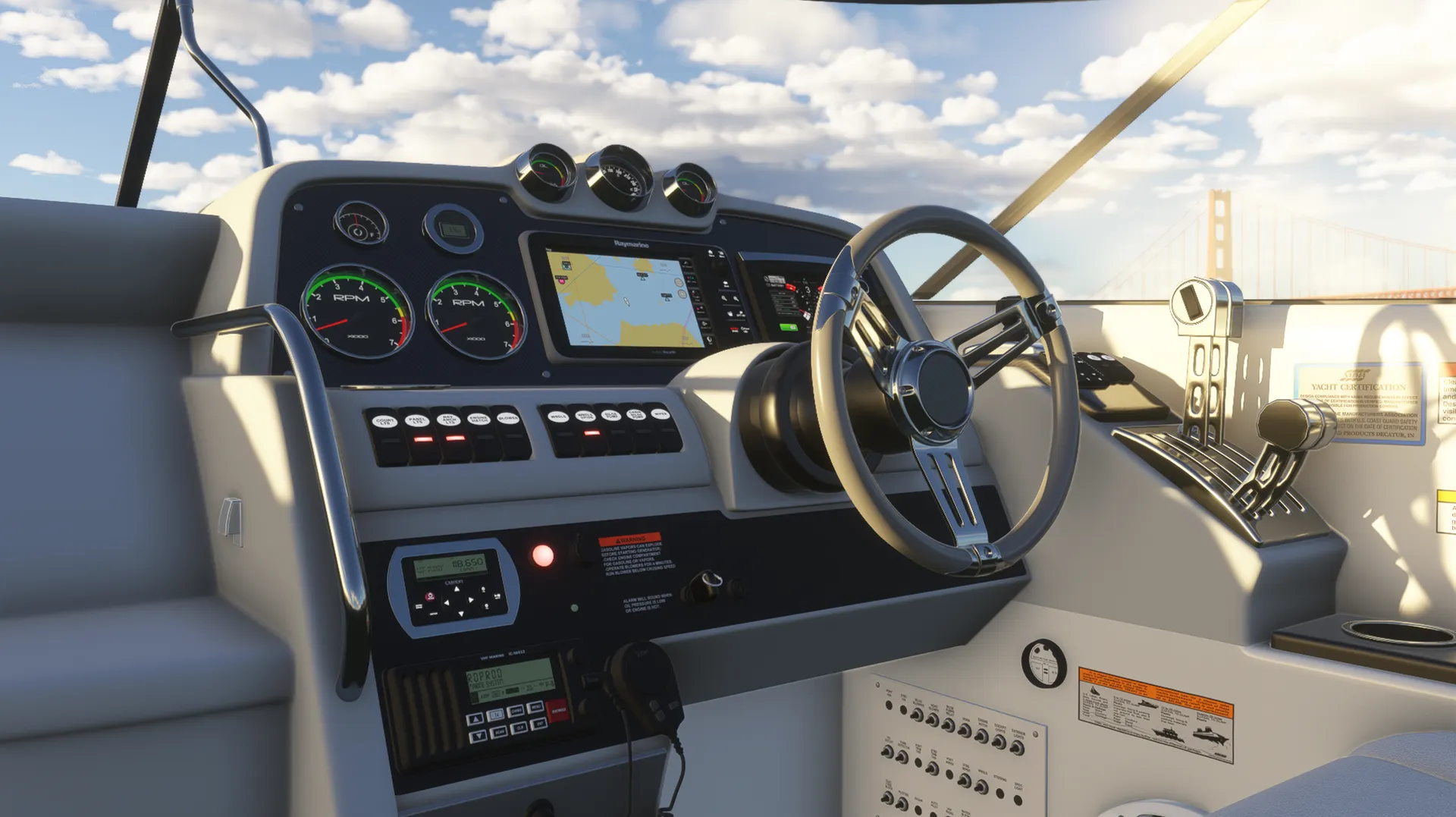
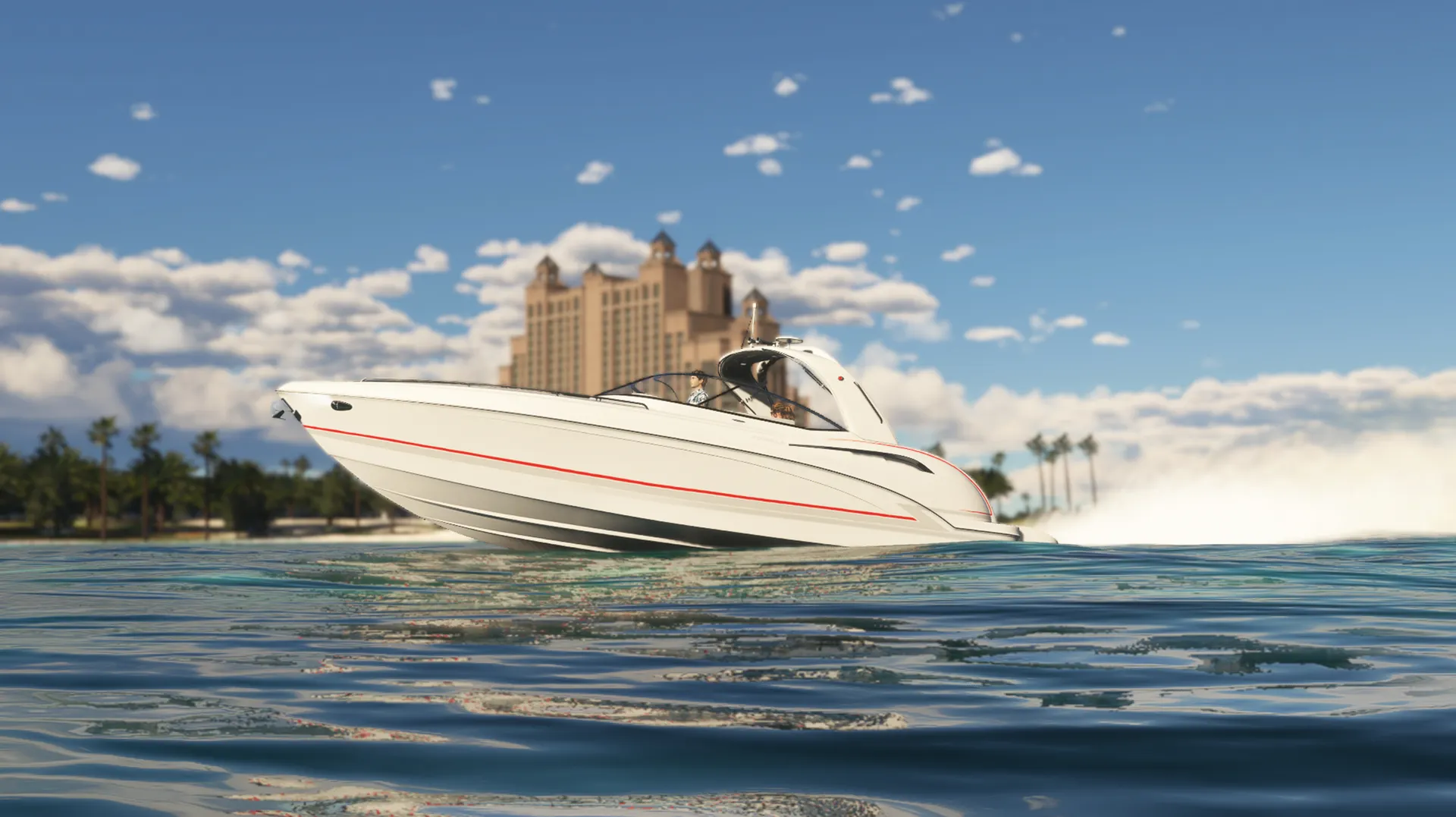
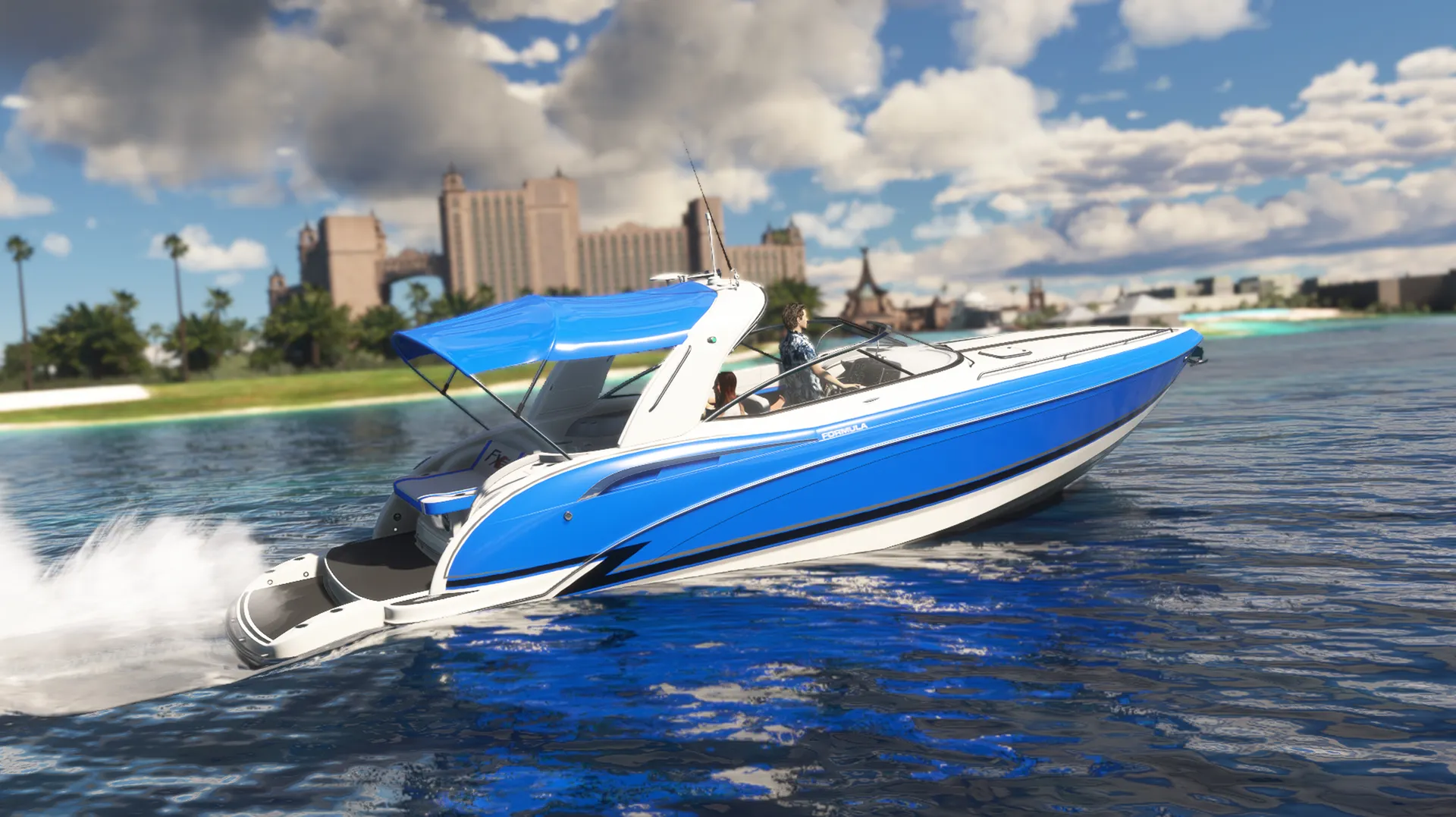
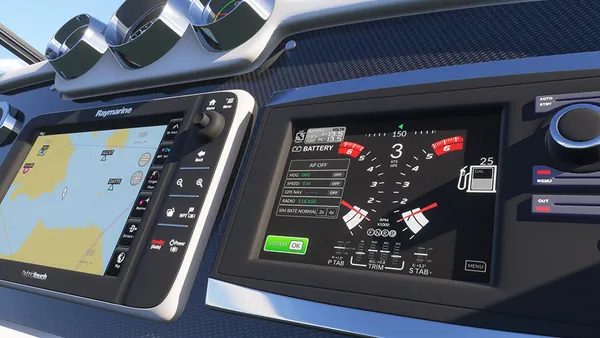
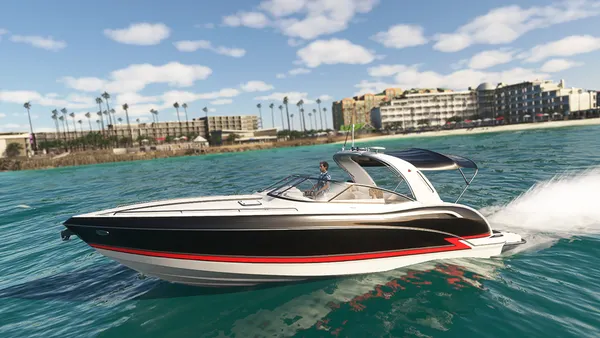
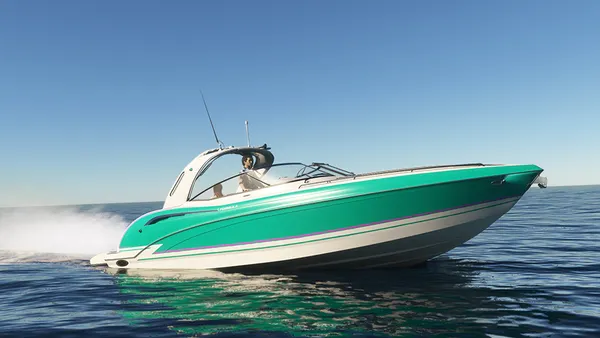
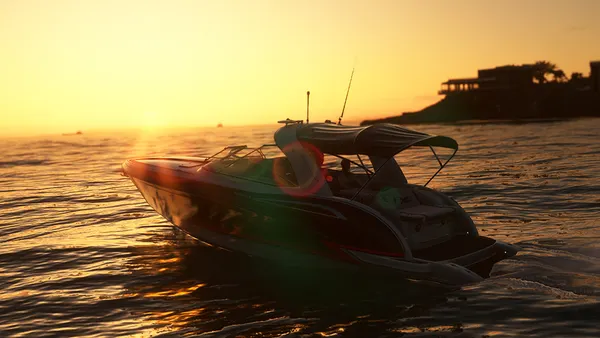
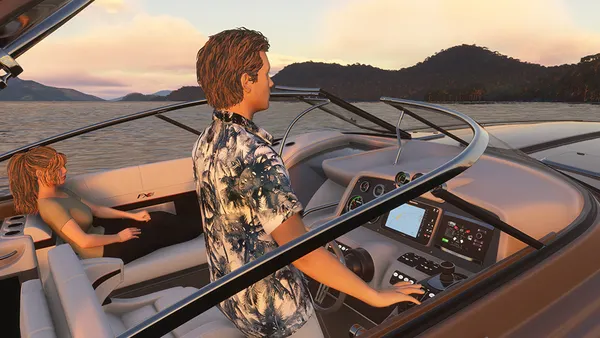
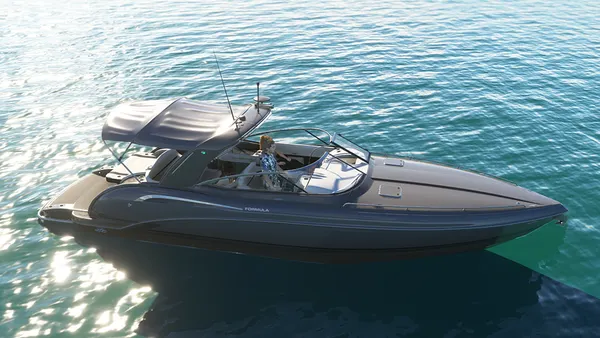
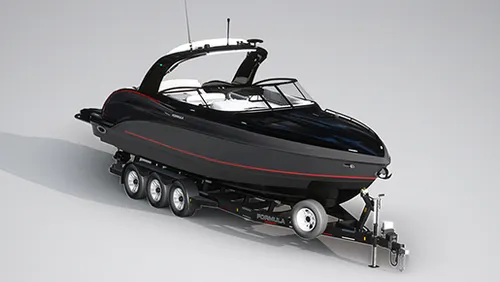
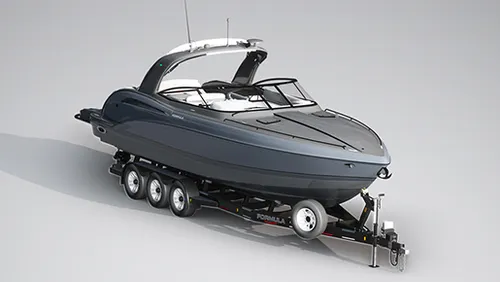
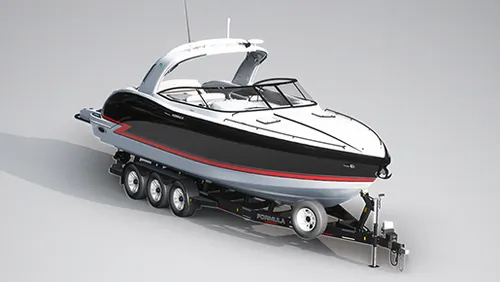
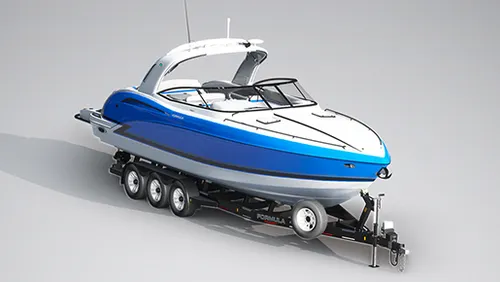
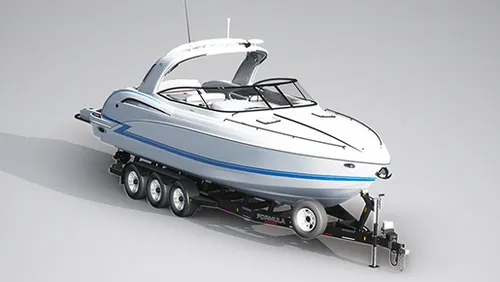
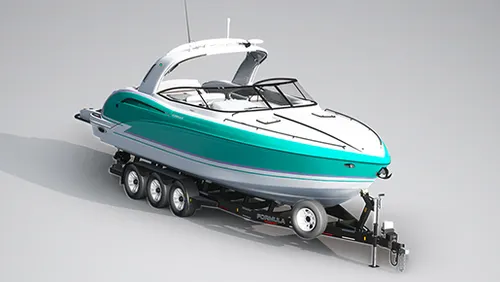
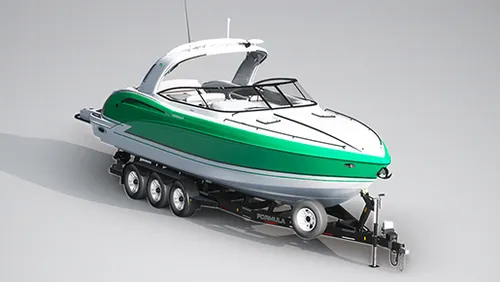
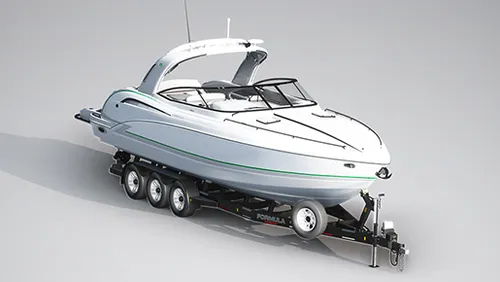
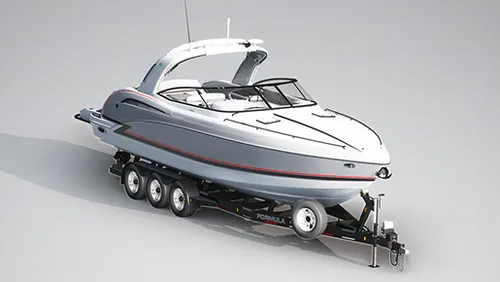
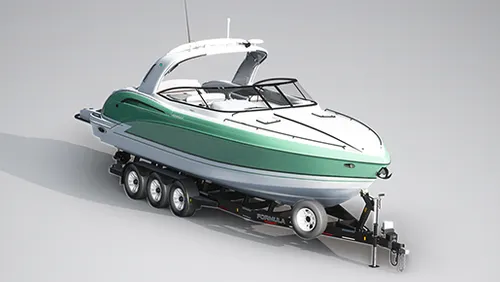
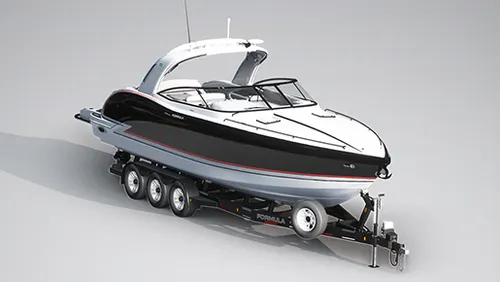
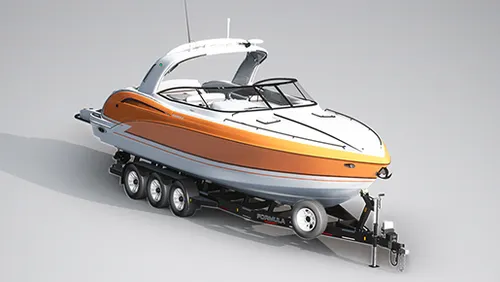
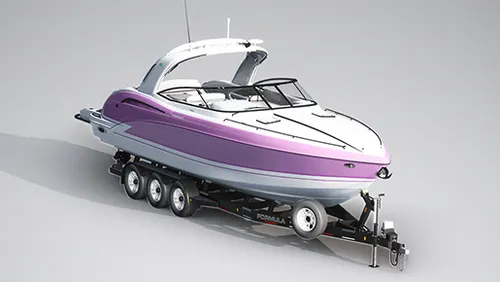
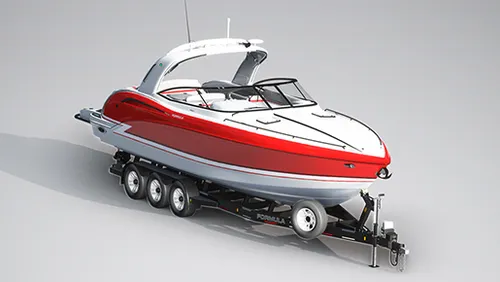
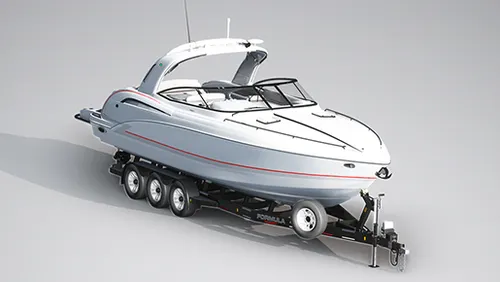
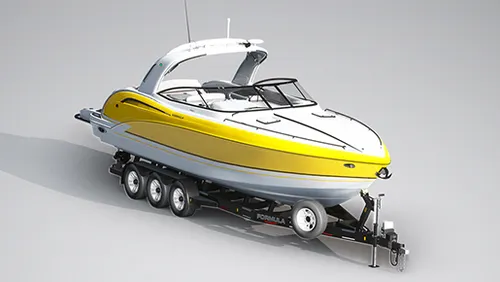
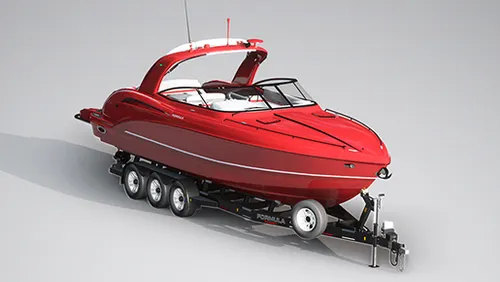
Meet the Speedboat 35ft, a leisure boat that combines luxury, rich detail, agility, and fun while piloting on the water! You'll have 17 liveries at your disposal, divided into various color tones and design schemes, in a boat equipped with authentic real-world nautical systems. A new navigation system allows Autopilot Mode to manage speed in knots, HDG heading, and automatic navigation using GPS NAV routes. Travel long distances by easily clicking on the panel to accelerate the simulation rate by 2x or 4x while your boat cruises towards incredible destinations! The panel has several clickable buttons allowing you to open windows, turn lights on or off, and other functions. Explore!
RESOURCES:
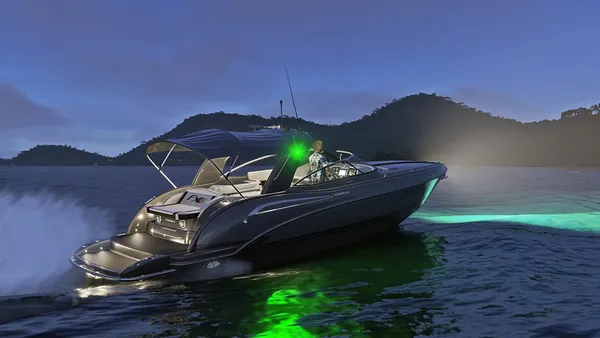
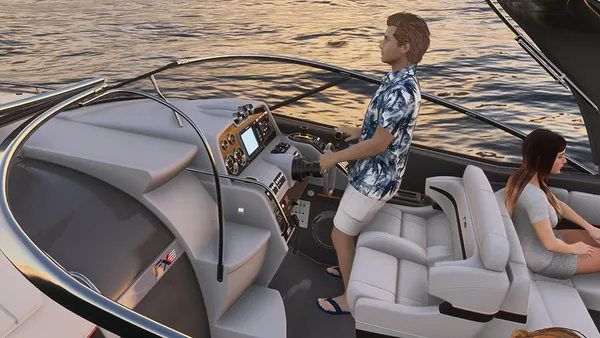
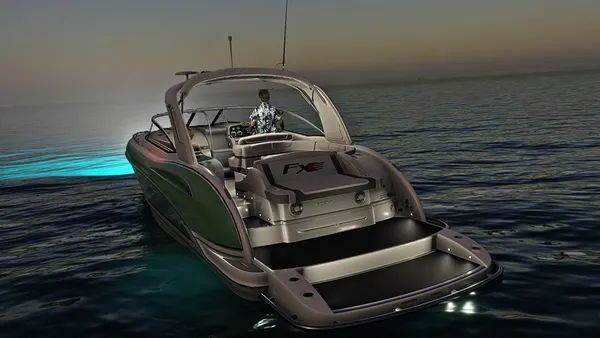
Autopilot Easy Key Cold Start Improved navigation physics Functional display with GPS Water balance Start anywhere in the world over water Night lights The water trails instantly when on the move 17 different paints in the livery menu Add or remove people via the payload menu Custom sounds Friendly fps
HOW TO INSTALL:
Locate the Microsoft Flight Simulator 2020/2024 installation folder You need to find and open the folder called "Community" Copy the folder "marinerm-speedboat-35ft" you just extracted to the Community folder. Start the game and the "Marine RM Speedboat 35ft" will be in its hangar ready to sail!
HOW TO PLAY:
Start the game anywhere in the world on the water or seaplane track, click the ignition key to start the boat engine, PRESS THE UP/DOWN KEY ON THE JOYSTICK (FLAPS CONTROL) TO REMOVE THE ANCHOR, put the engine at 100% and wait a few seconds for the boat to start moving. Water trails start with the slowest speed you are on. The boat does not have a reverse motor. Use the elevator UP command to move your boat backwards. Use the aileron controls to turn left and right. The rudder controls simulate axial movement control.
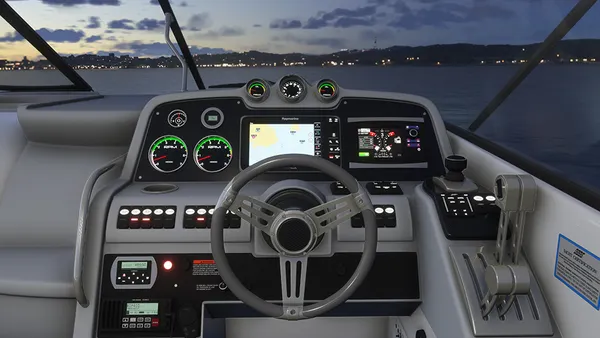
There is a screen on the right panel with information and functions such as Autopilot. The functions are: fuel gauge, course indicator, navigation status indicator, speed (knots), engine RPM 1 and 2, battery status, and radio frequency in use. The same panel has an autopilot section, allowing input of HDG, speed, and radio frequencies. Enter the desired number and select "ENT" to validate. The 2x and 4x buttons accelerate the game simulation rate. Use the FLAPS lever to keep the boat anchored.
IMPORTANT: JUST AS YOU WOULD NOT DO IN REAL LIFE, DO NOT GO OUT IN THE SEA WITH WAVES HIGHER THAN 30 KNOTS (55 KM/H) AT THE RISK OF CAPSIZING THE BOAT AS IT WOULD HAPPEN IN REAL LIFE. DURING THE SIMULATION, THE SINKING OF THE BOAT IS NOT DRAMATIC AND UNEXPECTED EFFECTS MAY OCCUR CAUSED BY THE SIMULATION ENVIRONMENT ITSELF AND NOT BY A PRODUCT DEFECT.
MSFS 2020/2024 does not have a realistic drift in the water, so navigation is still imprecise in several aspects. Do not expect extreme realism - the focus of this add-on is to provide a visual and enjoyable experience for those looking for alternatives to flying. Each instrument on the boat, livery and modeling was made with great care, affection and attention to detail to meet the highest commercial standards that MSFS and other markets demand, but for several other reasons that go beyond the developer, sailing with boats in MSFS is a challenge that is not always pleasant. Always keep in mind that everything was done to ensure that you have the best possible experience despite the limitations.
Check out the website for documentation and support: https://www.roprodaudiovisual.com/speedboat-35ft