- USD 19.99
- View more offers at FS Addon Compare
- Added: August 26, 2026
- Updated: October 14, 2026
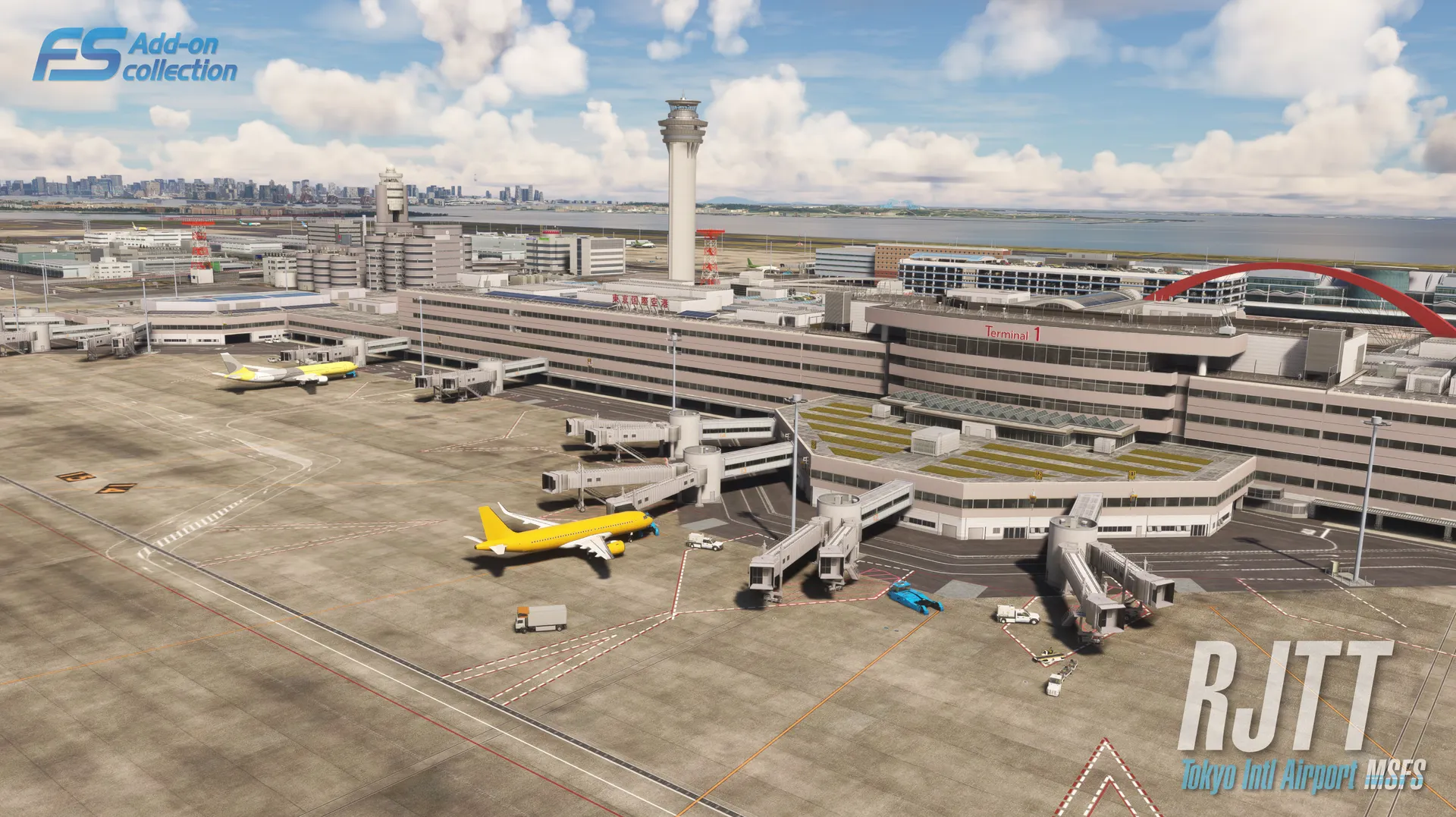
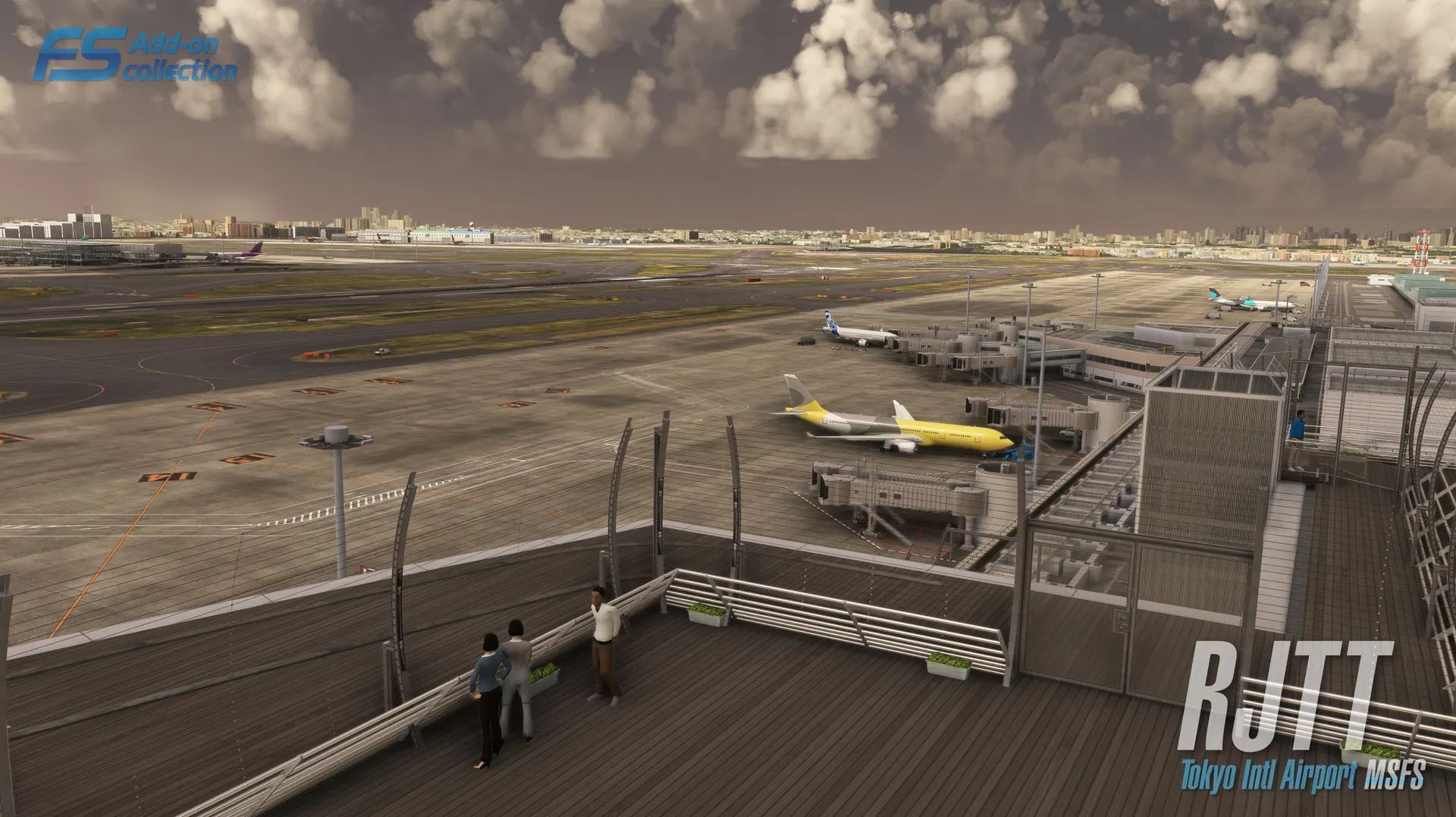
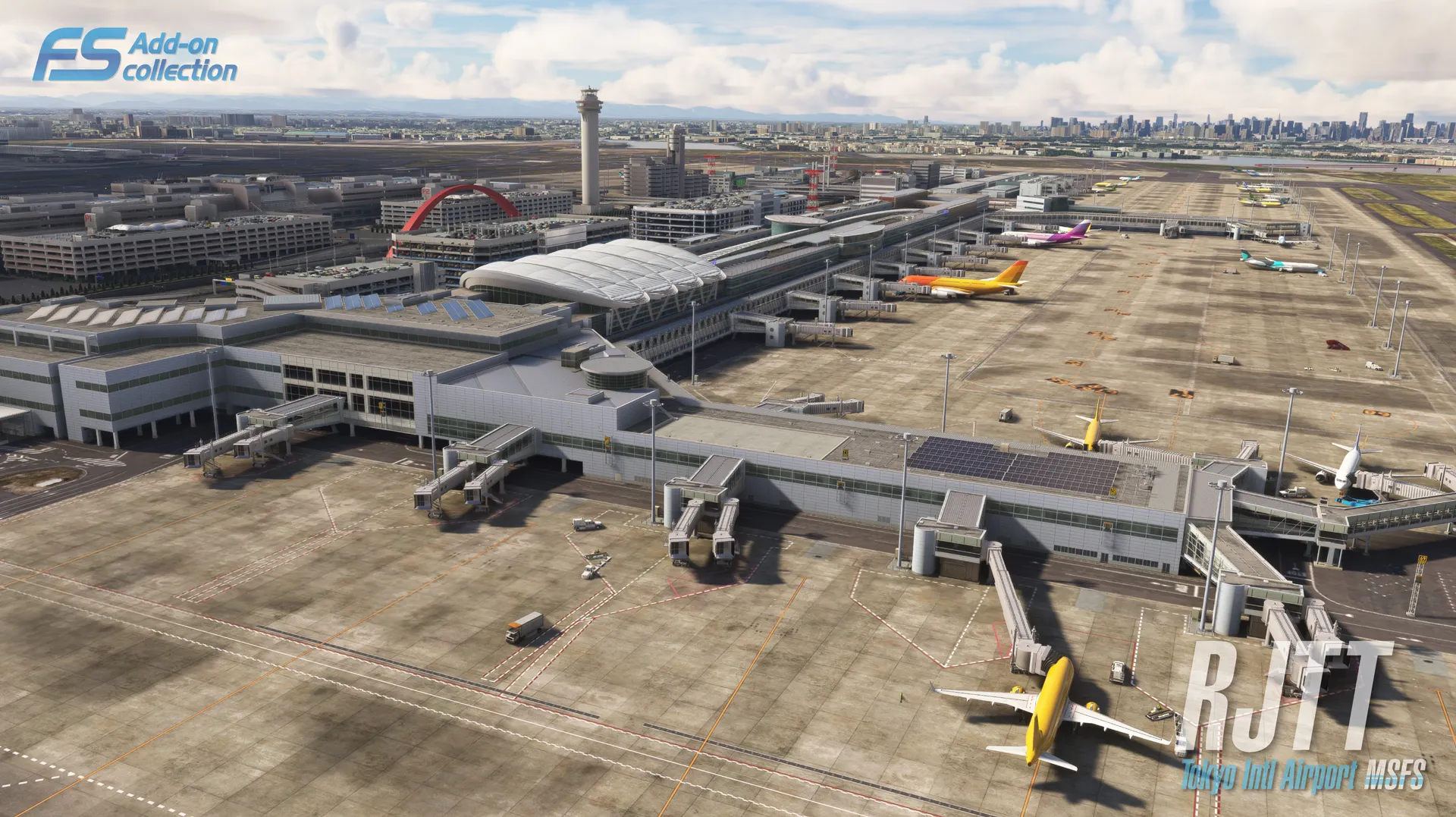
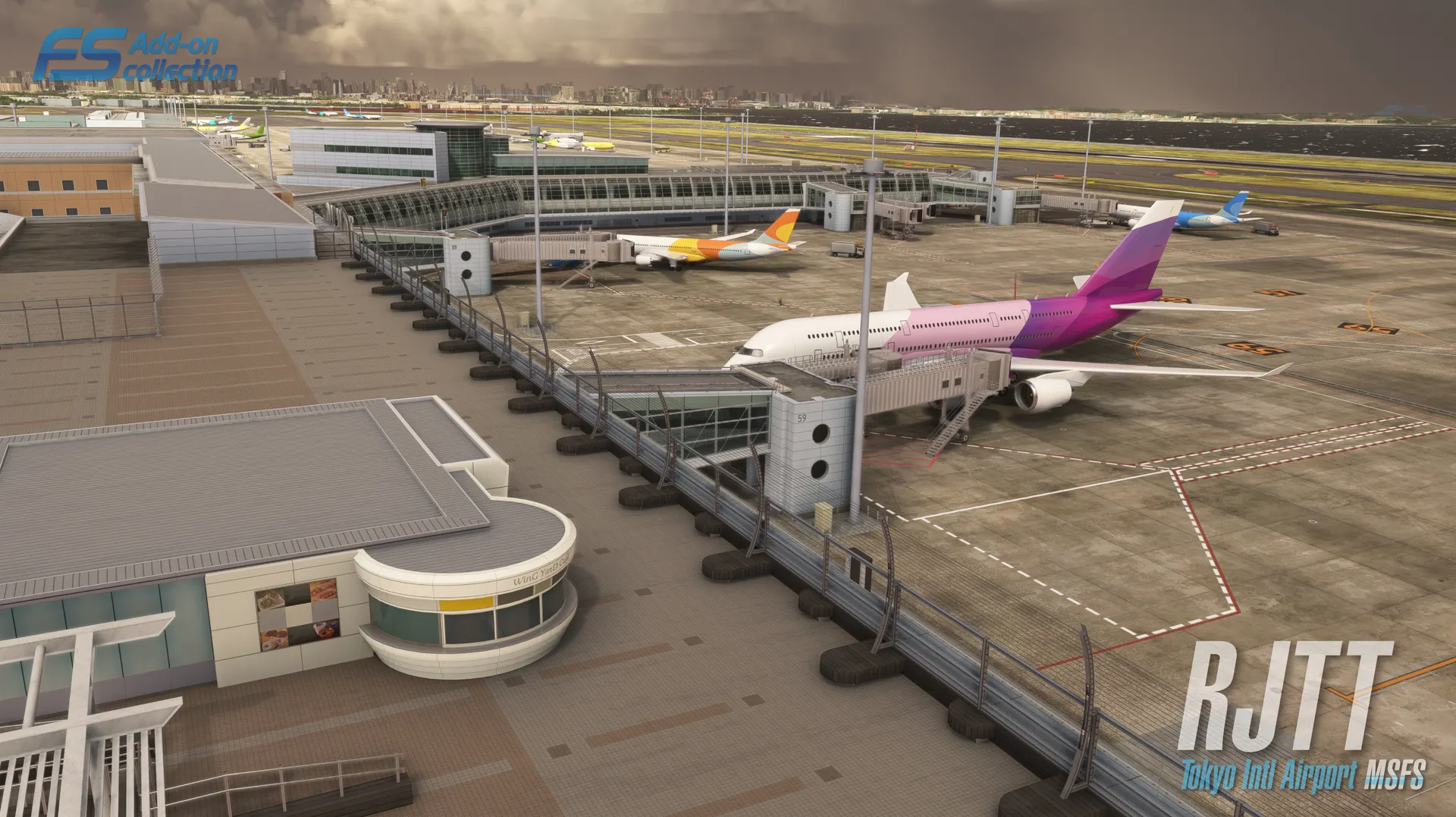
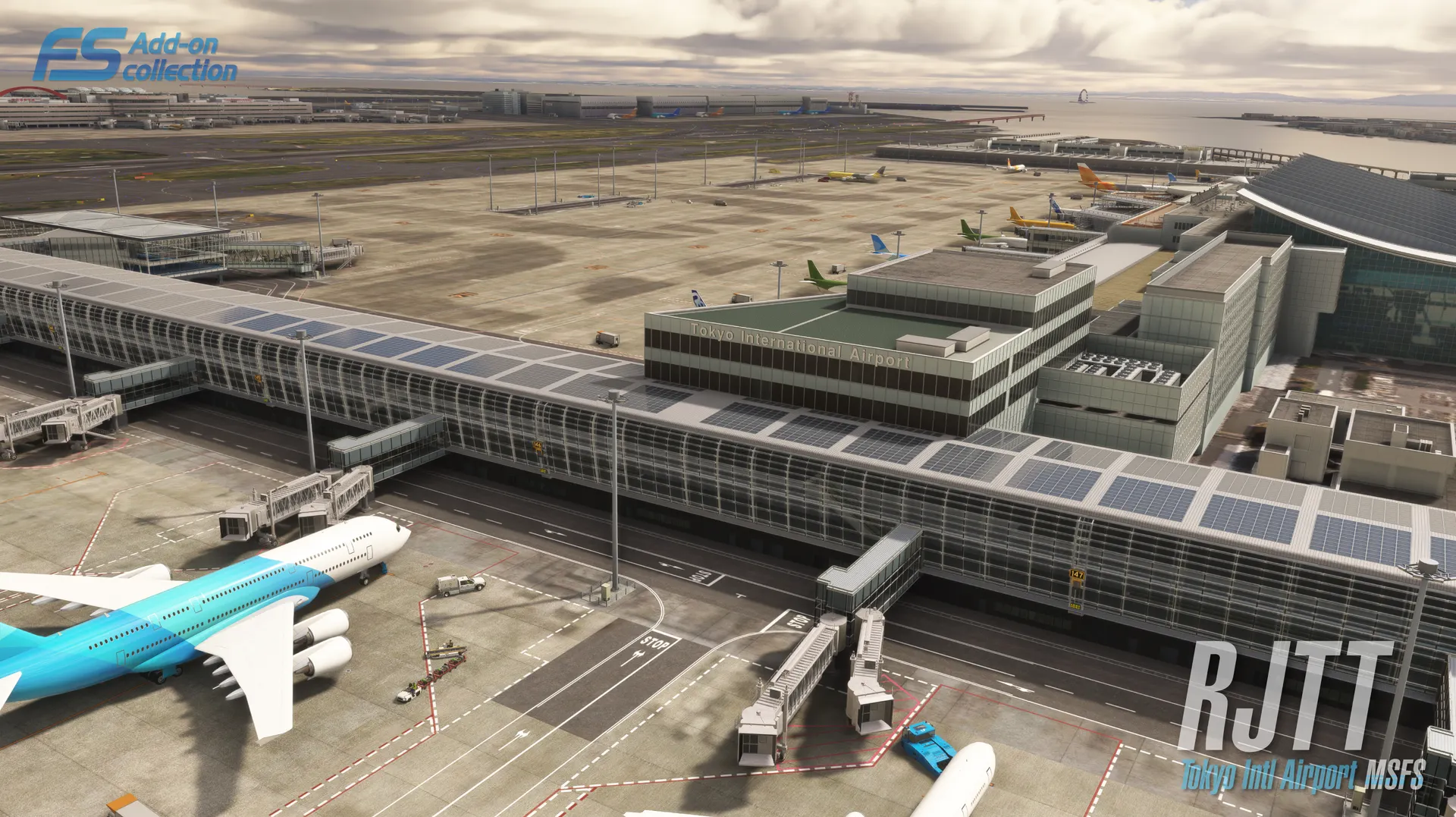
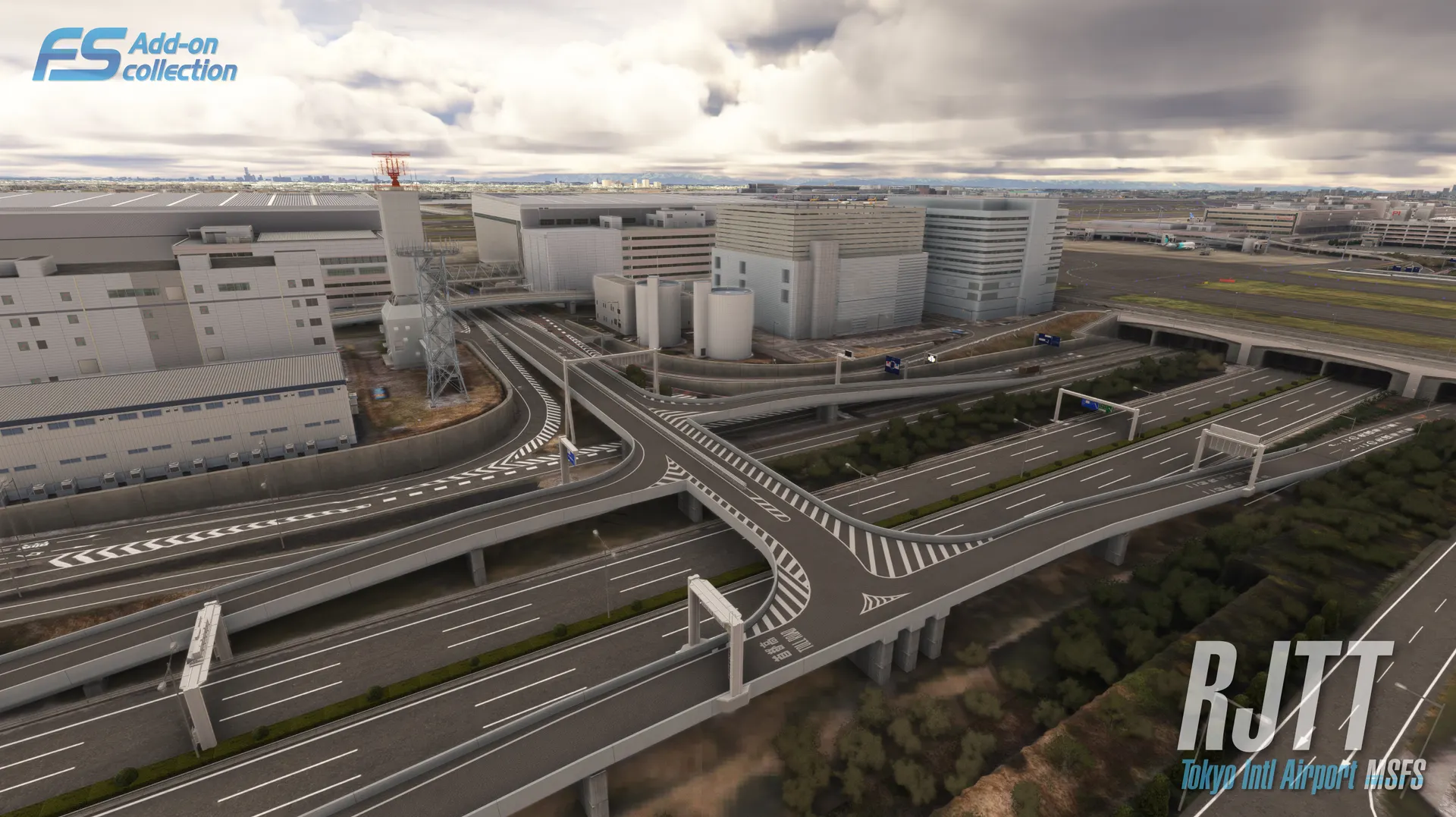
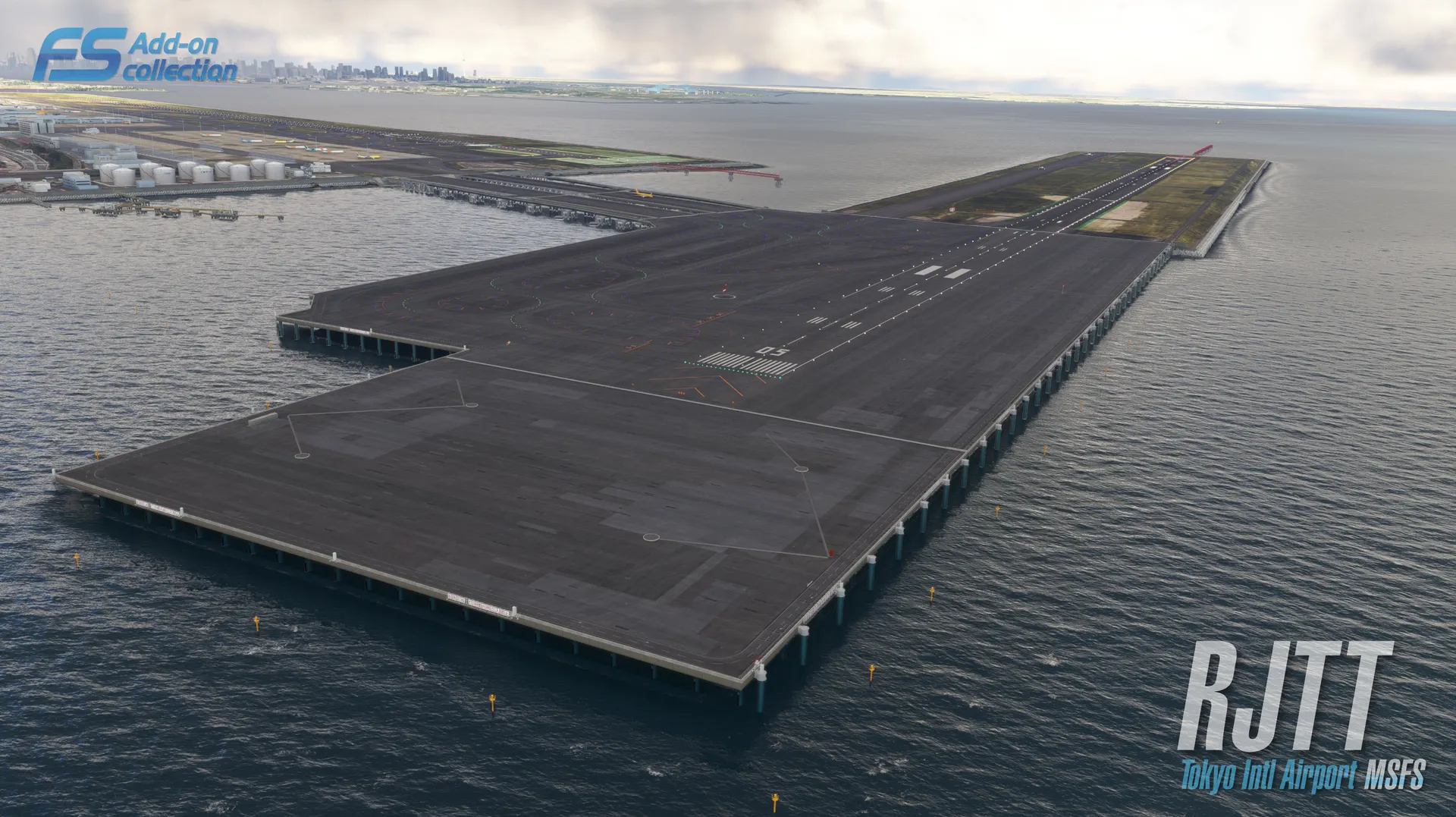
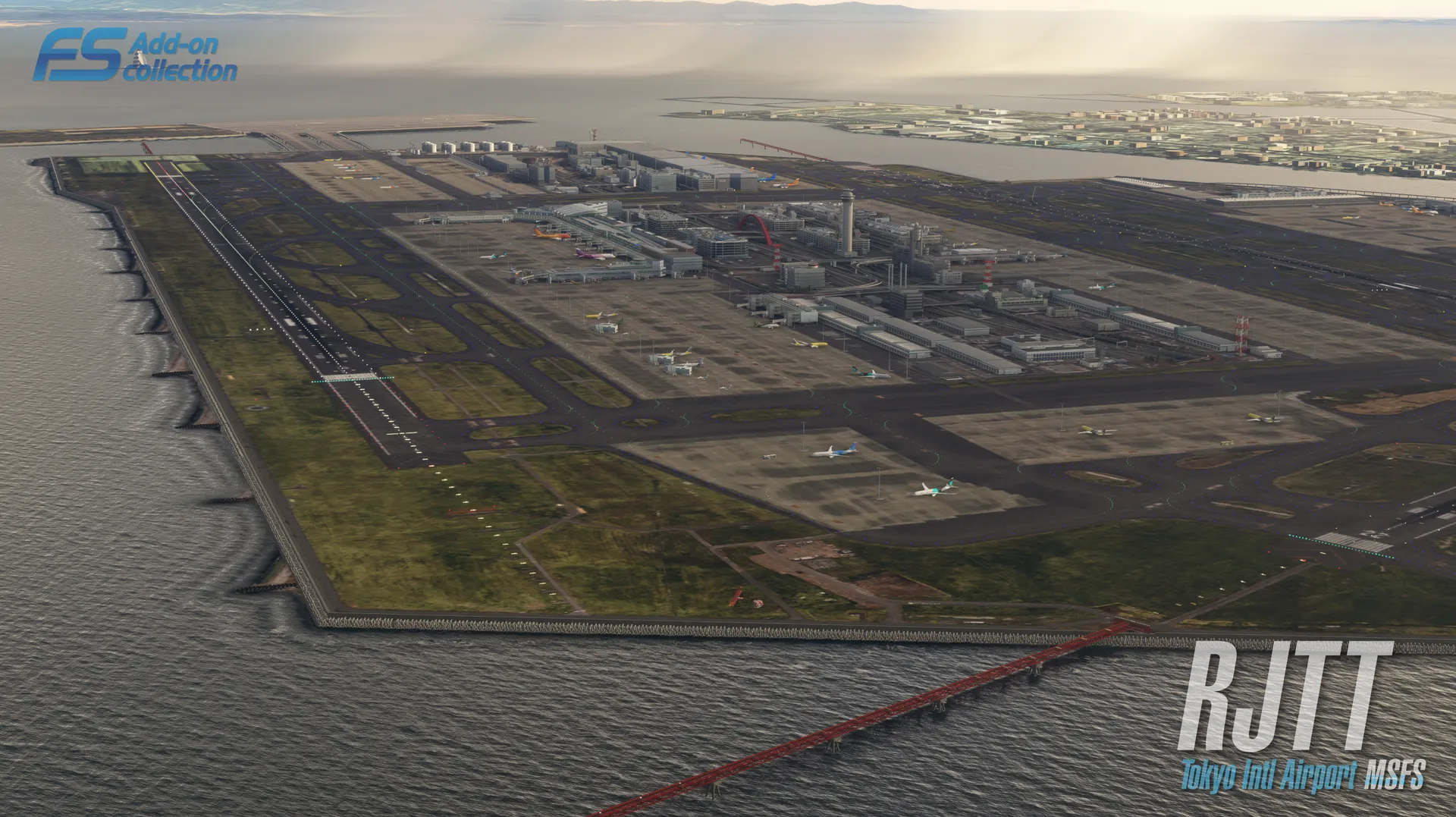
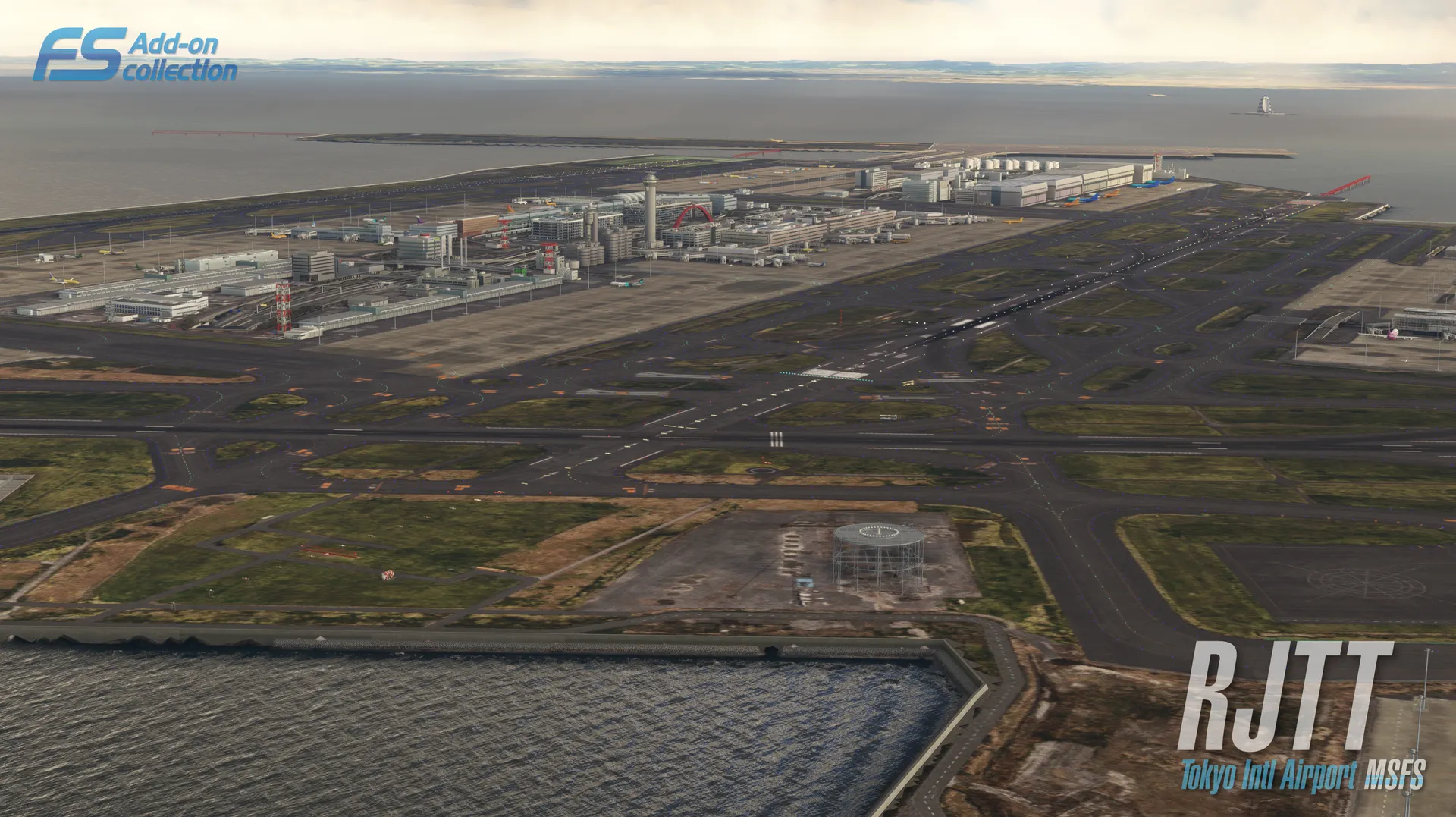
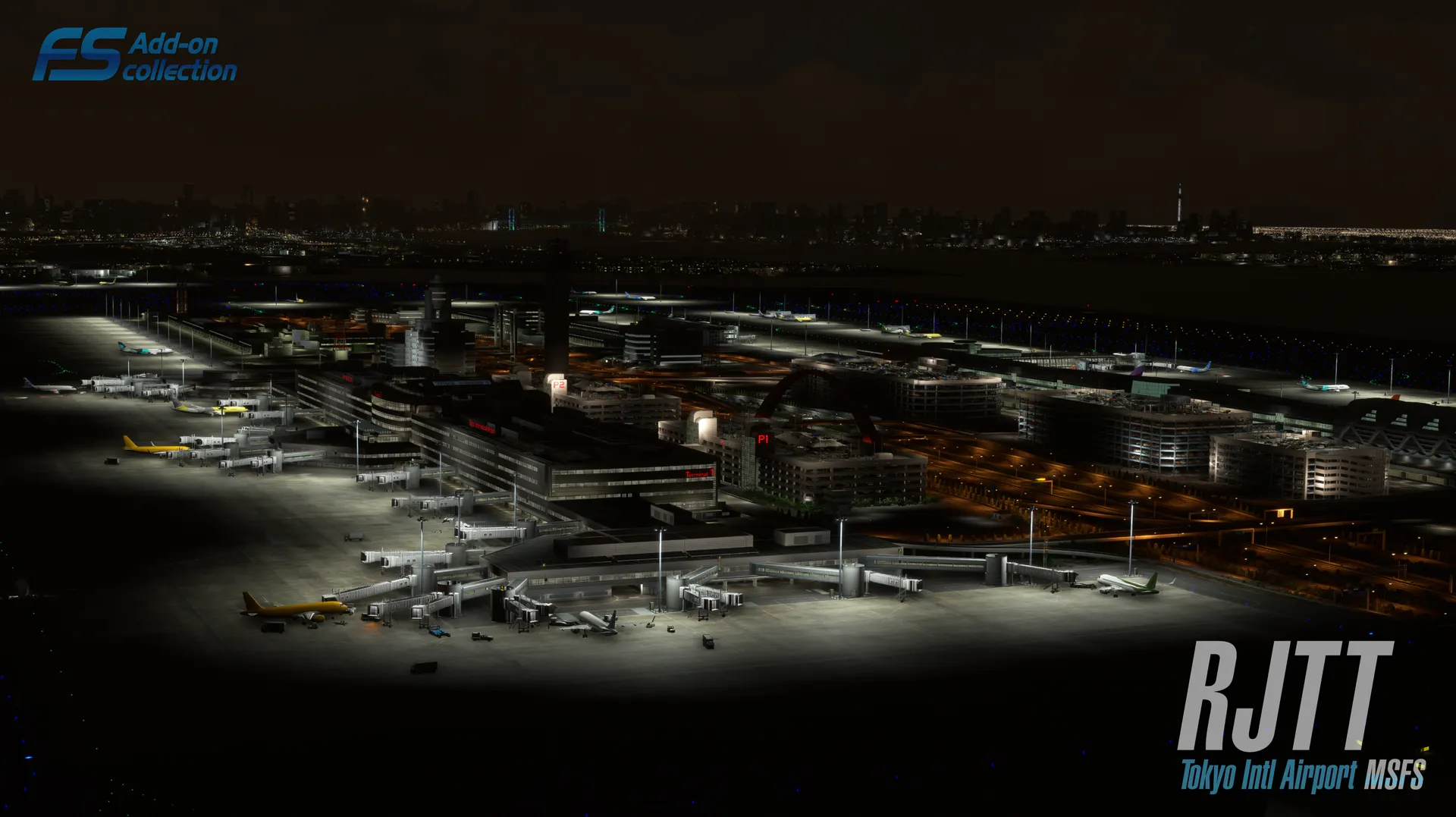
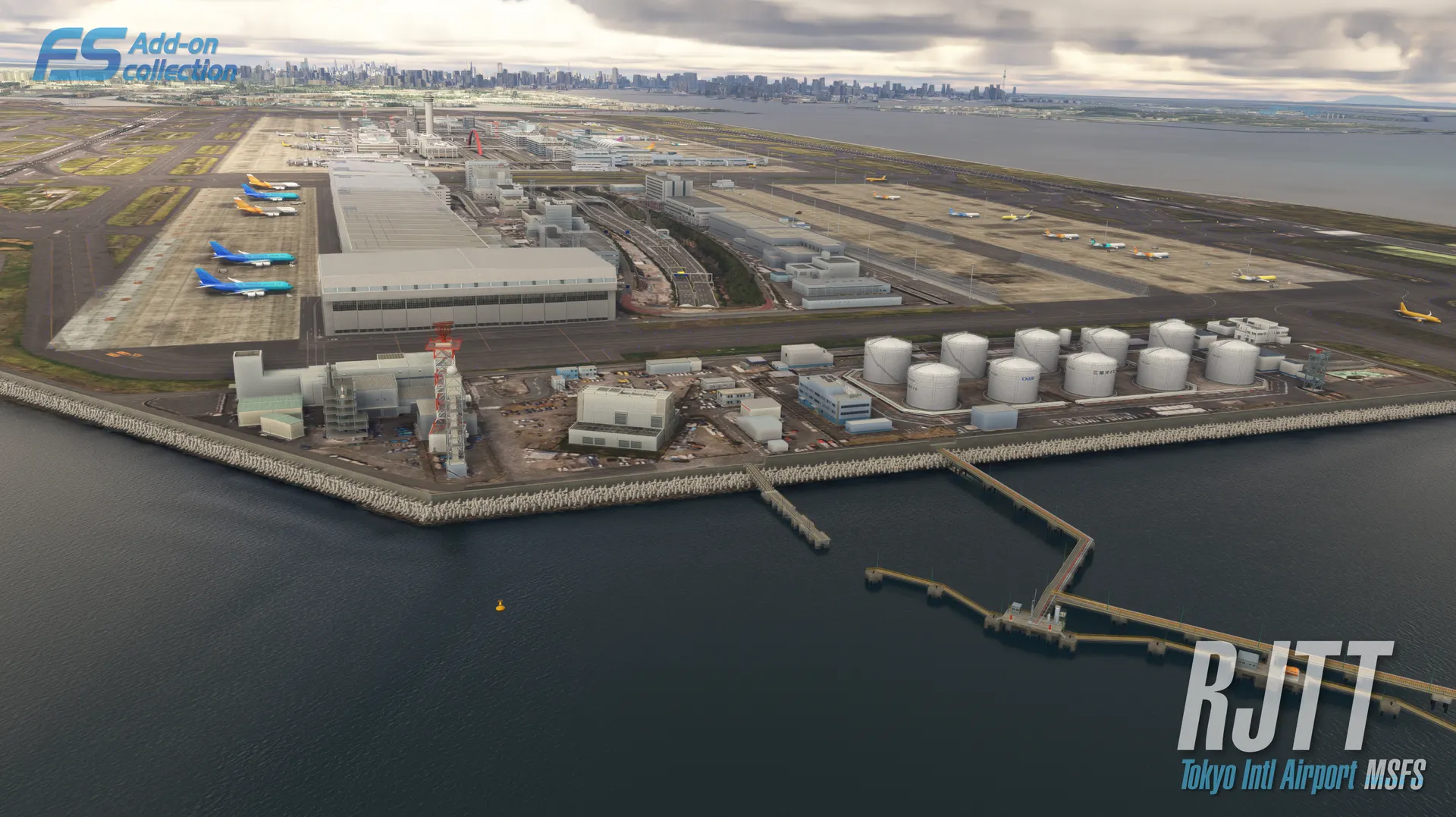
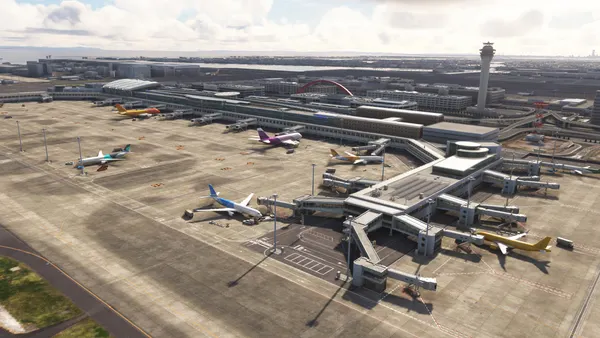
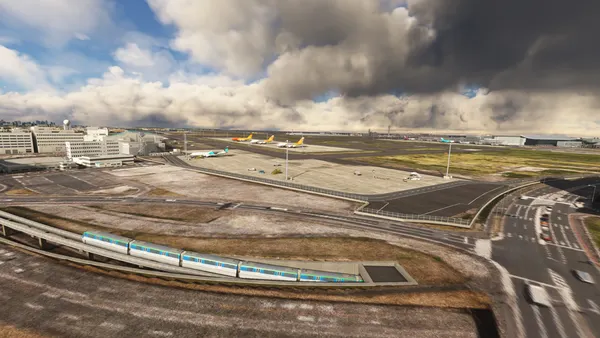
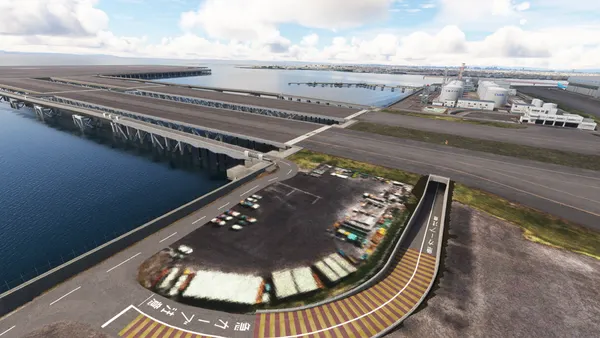
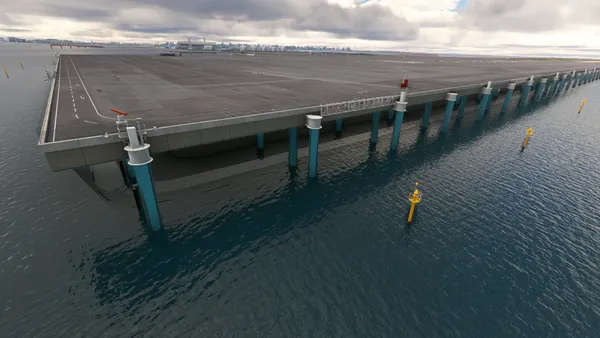
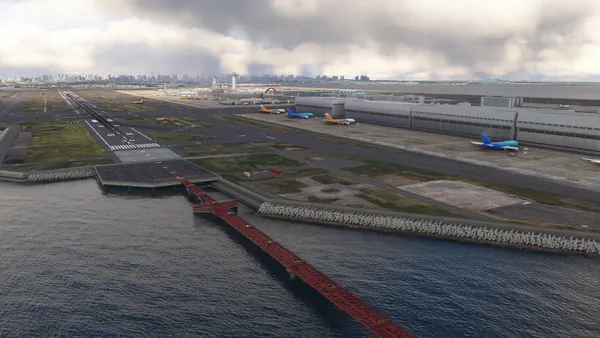
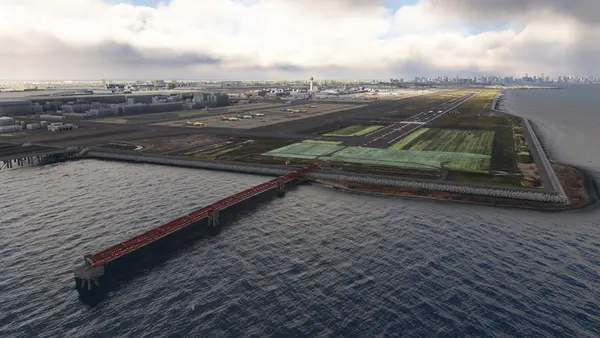
Tokyo International Airport (Haneda Airport, HND/RJTT) is the leading airport in Japan, and one of the world’s busiest hub airports in terms of passenger volume. Conveniently located approximately 15 km from central Tokyo, it plays a vital role as the Tokyo metropolitan area’s gateway to the skies for both domestic and international flights. In 2025, passenger traffic exceeded 91 million, making it one of Japan’s busiest airports. With over 420,000 annual flight movements, the airport accommodates a wide range of aircraft, including domestic and international flights, cargo flights, charter flights, business jets, and government aircraft.
In terms of operations, Instrument Landing System (ILS) are installed on all runways except RWY04 and RWY05, and various instrument approach procedures are utilized depending on weather conditions and air traffic flow. Furthermore, with advanced air traffic control systems, the airport achieves high operational efficiency despite being one of the world’s busiest airports. Equipped with extensive cargo facilities and accommodating numerous international flights during late-night and early-morning hours, it plays a vital role as a 24-hour international airport.
FS Add-on collection series is made in JAPAN.
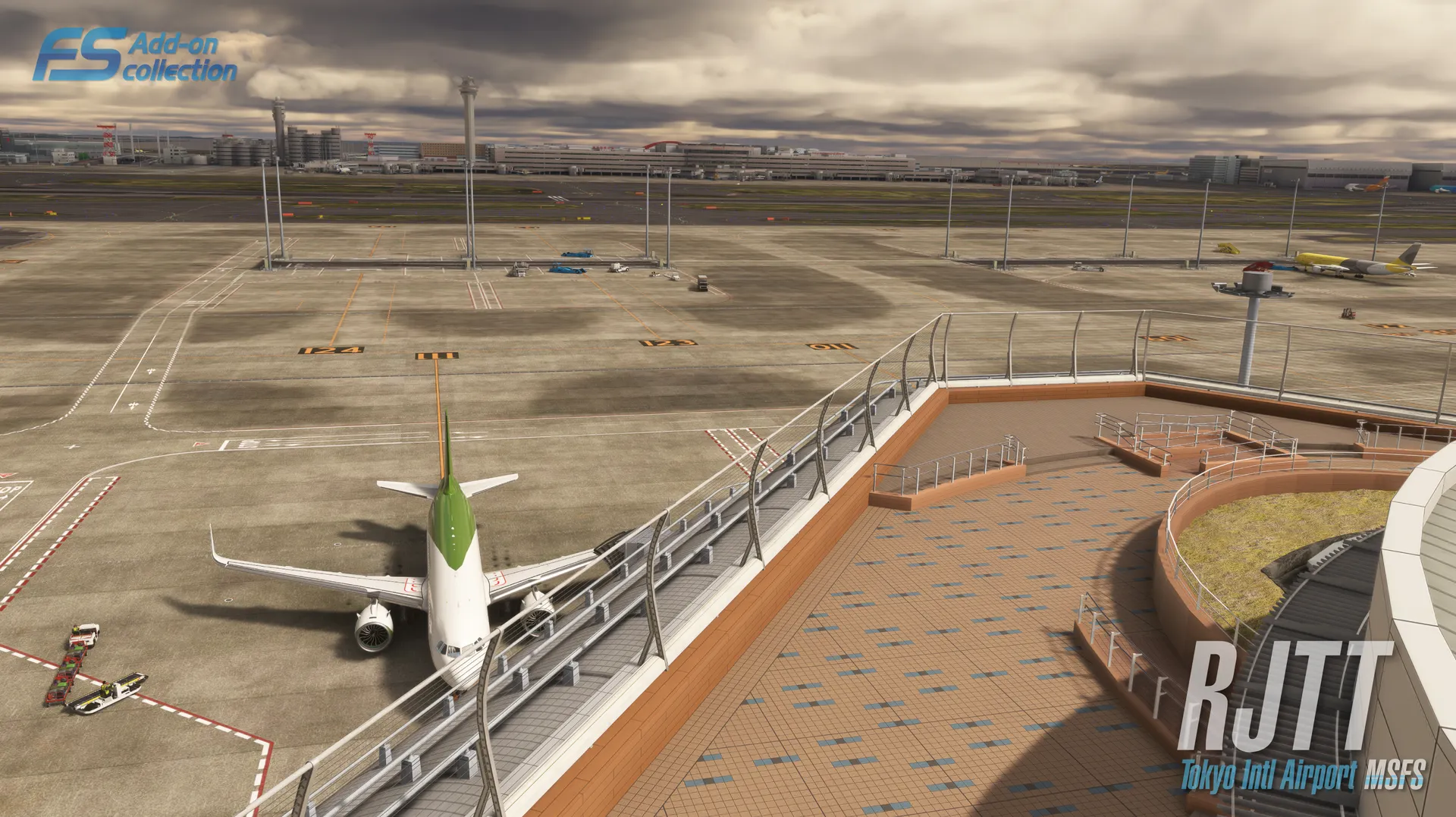
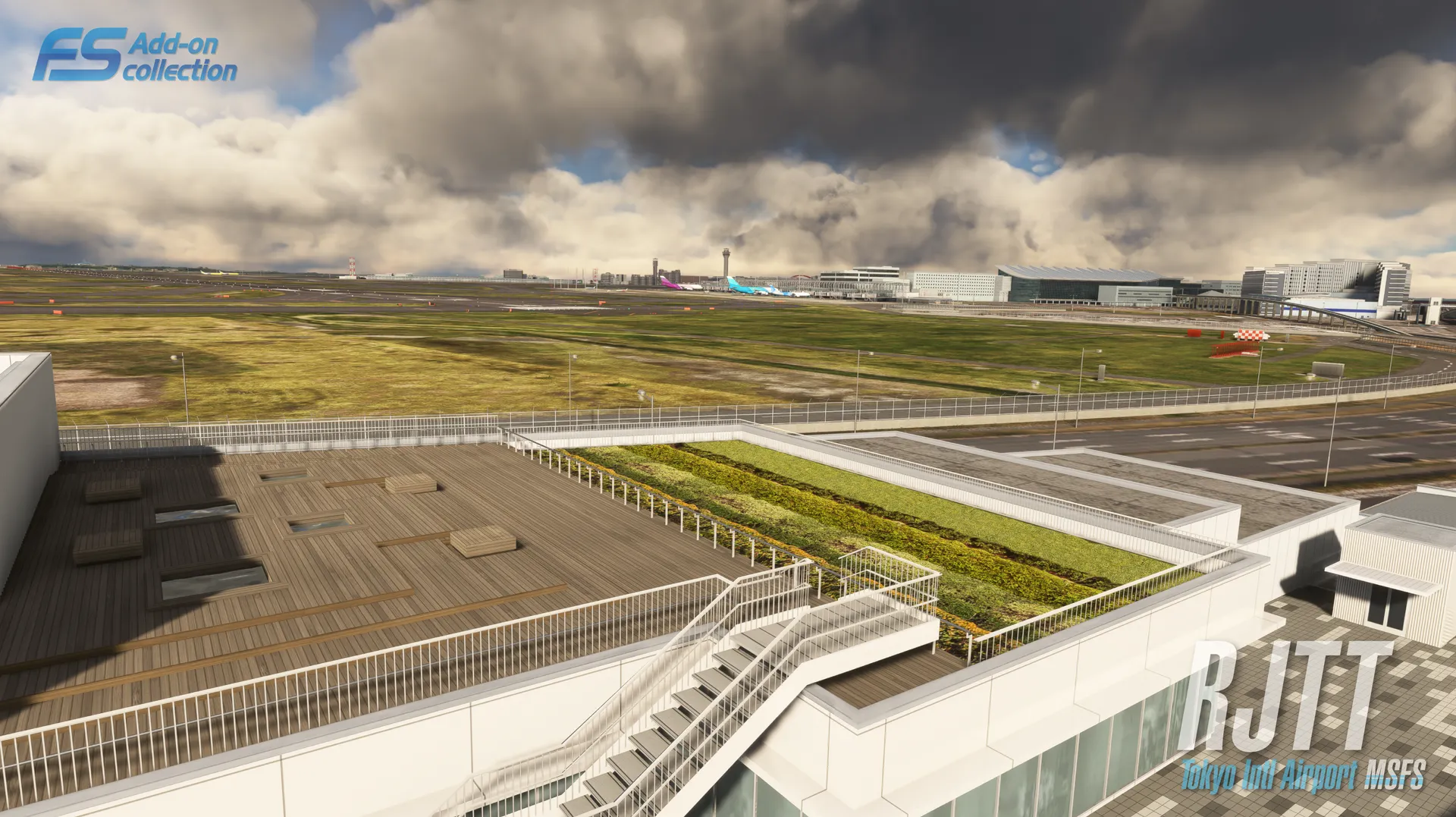
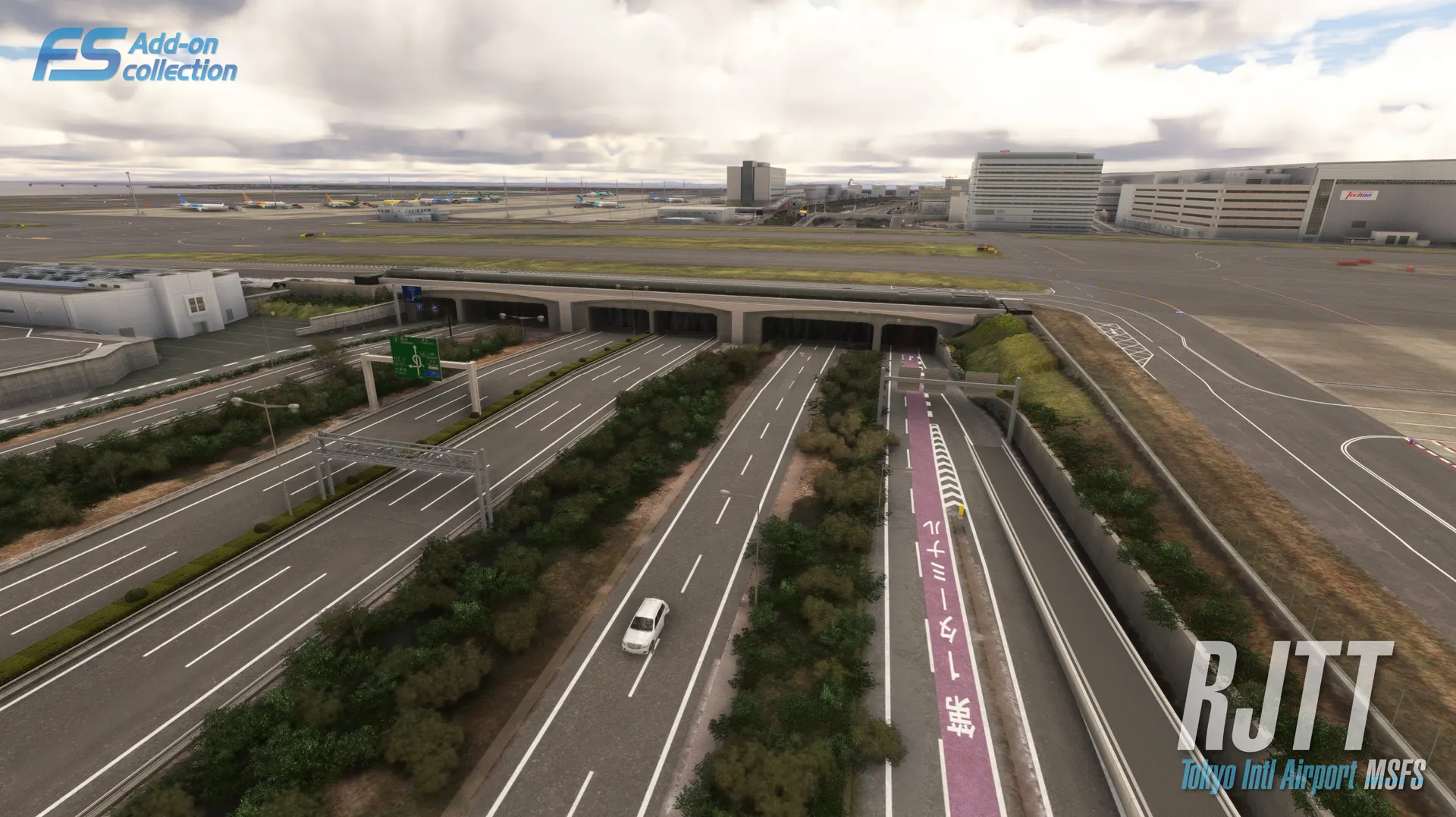
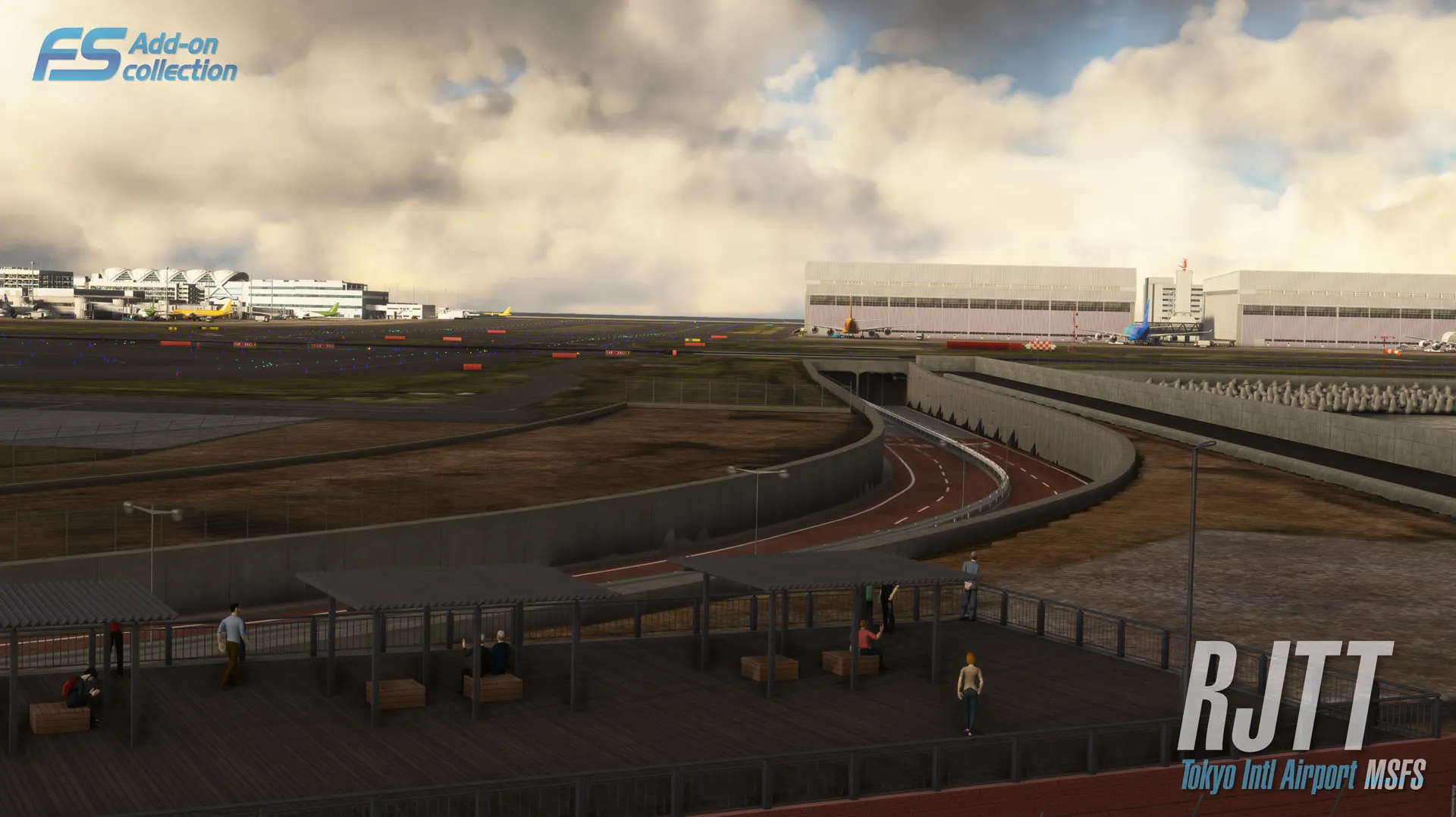
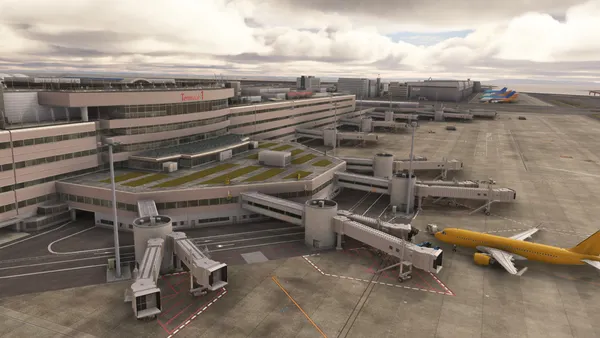
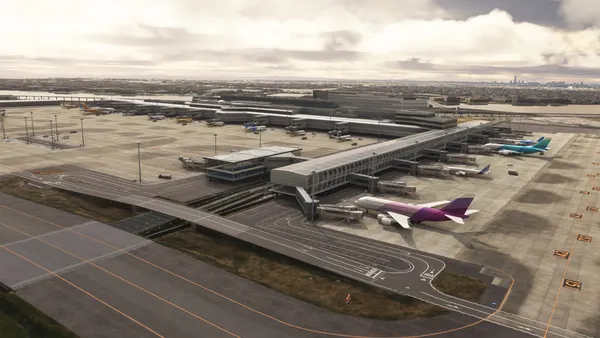
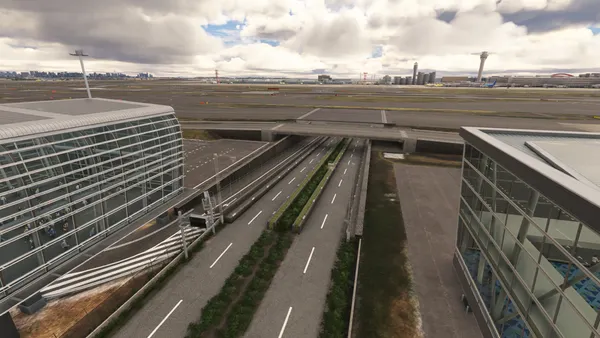
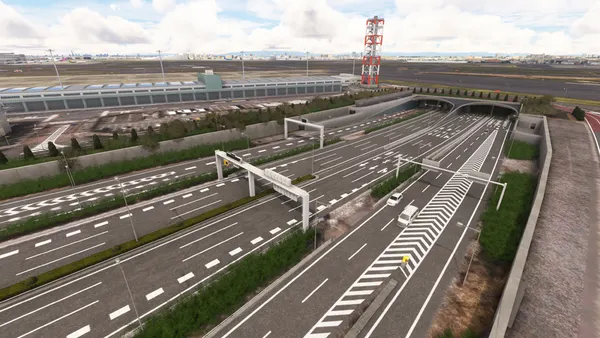
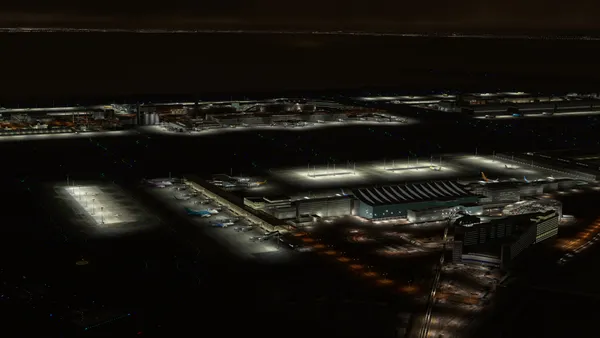
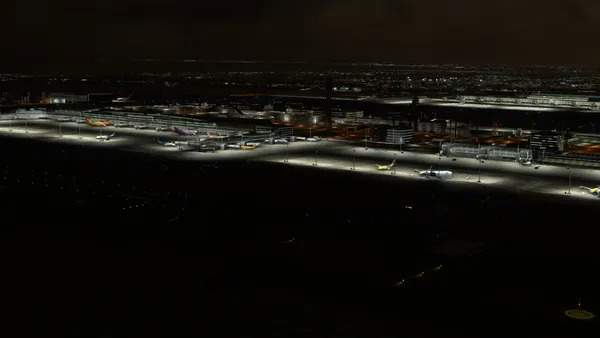
Product Features Extremely realistic airport Custom taxiway signs and ground markings Custom jetway Custom approach light system Custom CGL *1 Excellent night techniques, realistic runway lighting according to official documents of the airport Pseudo shadows Dynamic lighting PBR Materials Frame rates friendly *2 Version for Microsoft Flight Simulator (MSFS2020/2024) Much more.....
*1 Created using processed data from the "Orthophoto Data" provided by the Ministry of Land, Infrastructure, Transport and Tourism (MLIT). https://www.geospatial.jp/ckan/dataset/plateau-tokyo23ku-geotiff-2020
*2 Frame rates may be lower around Tokyo Bay. Before installing this product, be sure to test a flight at the default Haneda Airport and confirm that the simulator runs stably.
e-mail simsupport@technobrain.com FAQ https://www.technobrain.com/en_fsaddon/faq/