- USD 19.99
- View more offers at FS Addon Compare
- Added: April 17, 2026
- Updated: May 6, 2026
FS2EFB (Flight Simulator to Electronic Flight Bag) is a companion add-on that transforms your Microsoft Flight Simulator into a fully integrated flight deck system. It wirelessly streams real-time telemetry from MSFS directly to your tablet or phone's Electronic Flight Bag (EFB) application, creating a seamless bridge between your PC/console and mobile devices.
WHAT IS INCLUDED
- Toolbar panel with smart hide feautre: you need to keep it open during normal work but we made it fully invisible once it minimized
- Android and iOS apps: both available in official installers (Google Play and Apple App Store), both free to install. Both apps have similar capabilities, except the screen share feature, which is available only in the Android app.
- Relay server for Cloud Gaming users: since a direct connection with the cloud unit is often impossible, you can use a dedicated server for FS data transfer to the bridge app (it has some limitations, like data exchange frequency is once per second).
- Detailed user and technical manuals available on our website.
DISCLAIMER! This add-on does not provide any navigation tools by itself, it is only a data bridge between Flight Simulator and third-party software (EFB or navigation app). Before purchase, ensure it supports the EFB you are planning to use with it.
FEATURES
- Real-time Flight Data Streaming: Stream position, altitude, airspeed, heading, climb rate, and wind data at up to 10 Hz
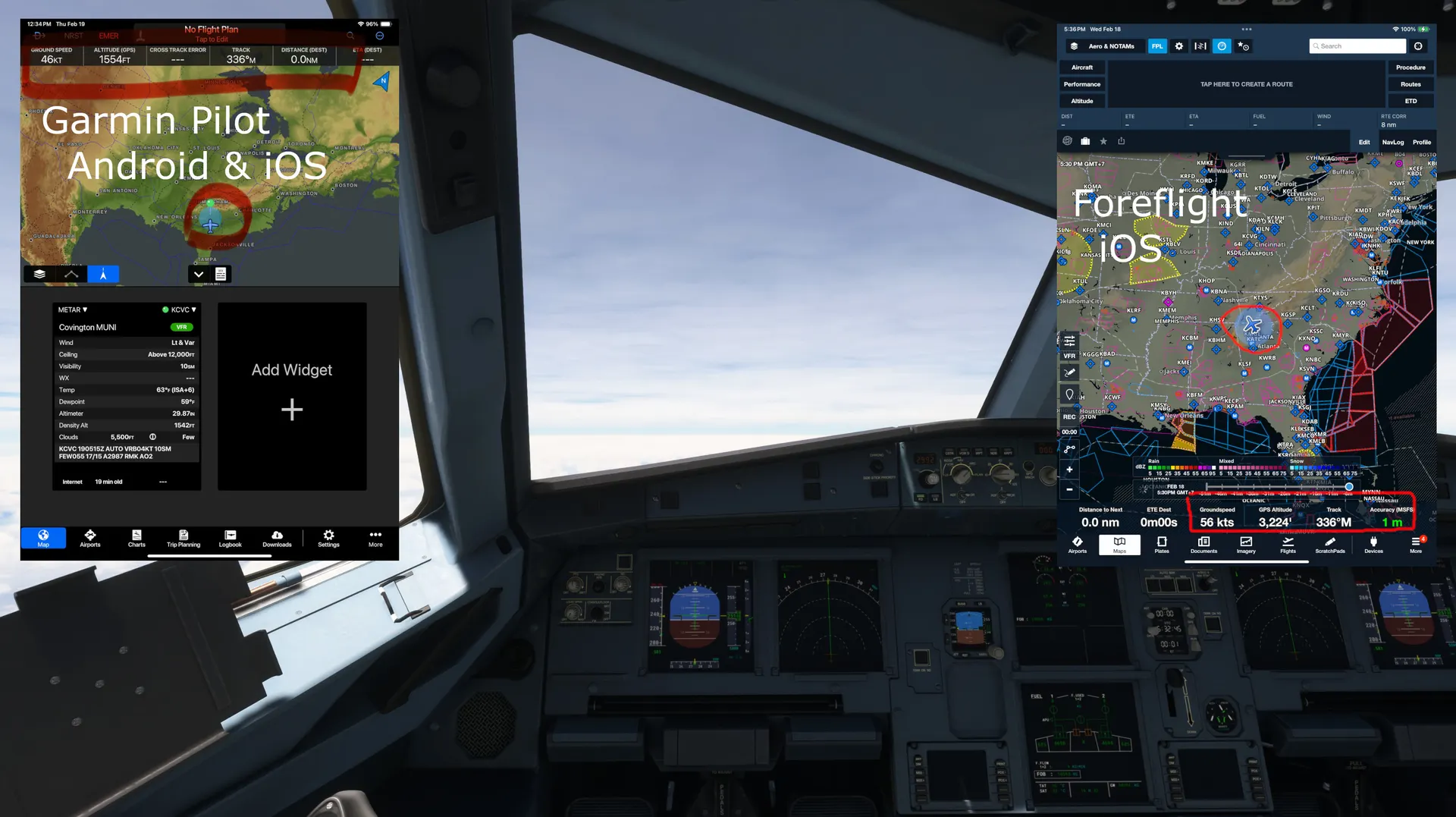
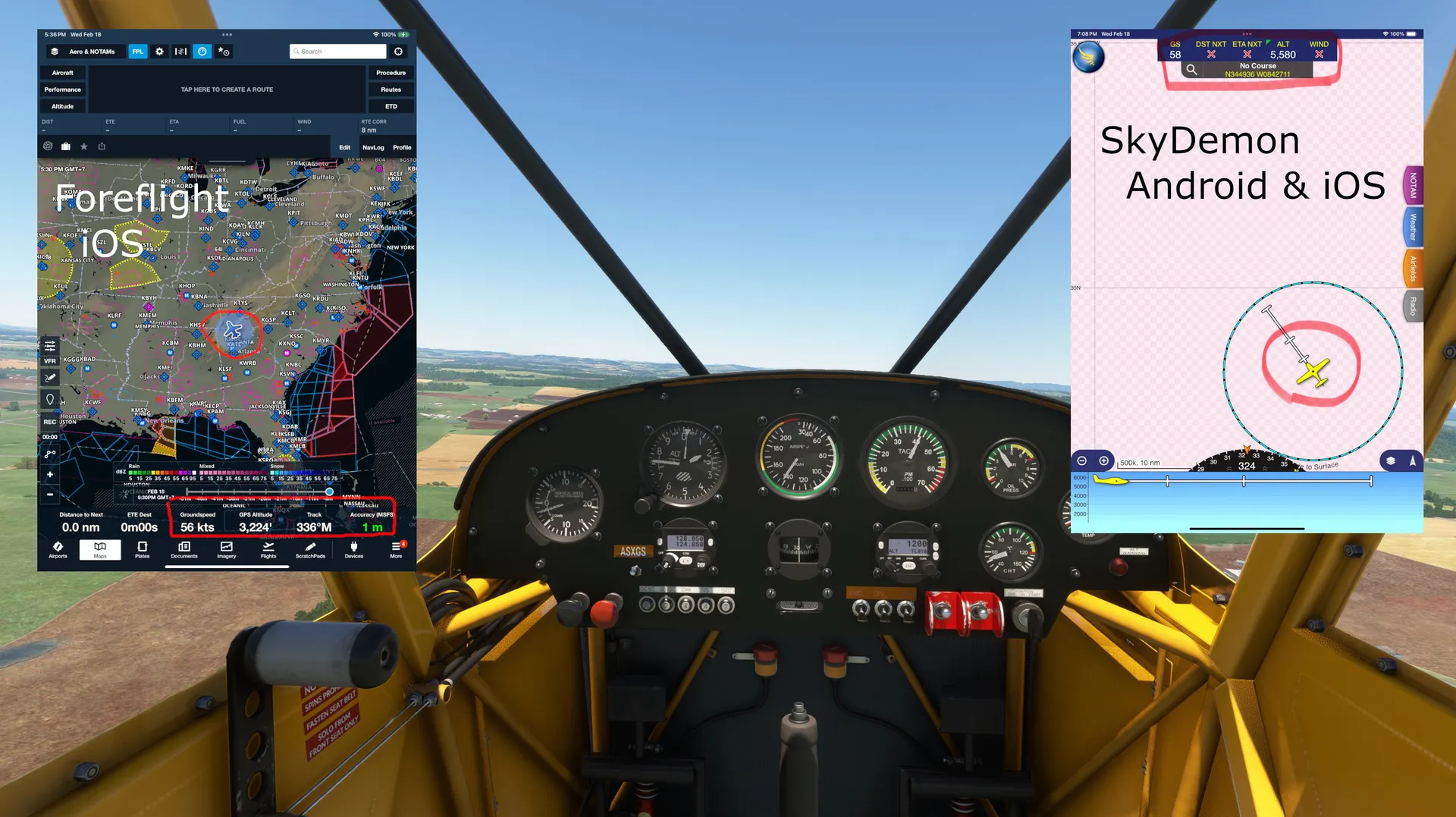
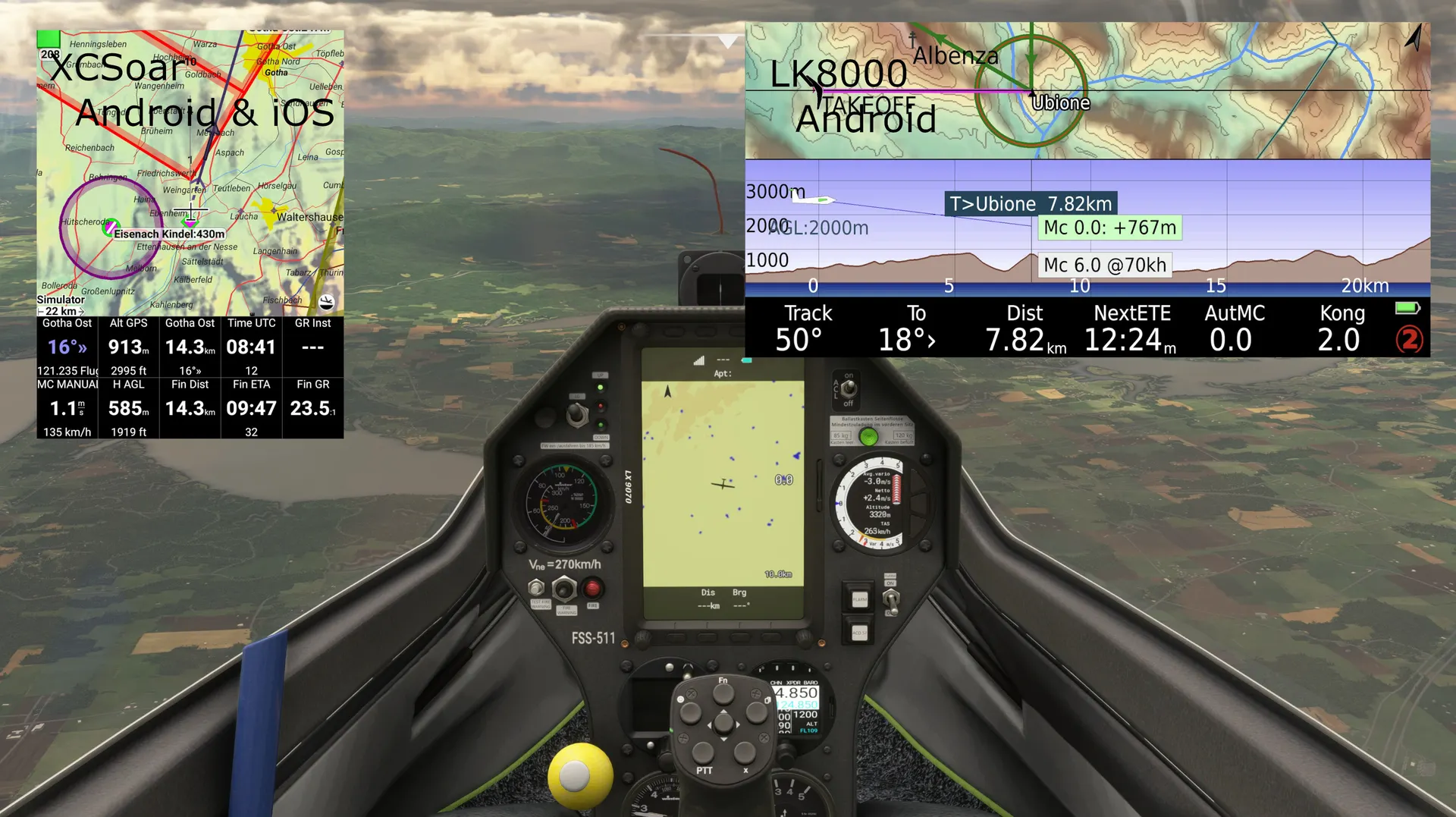
- Support for Popular EFB Apps: Works with SkyDemon, ForeFlight, XCSoar, Stratus Insight, Garmin Pilot and any app supporting NMEA 0183 or X-Plane data input
- Traffic Awareness: shares AI and multiplayer aircraft positions with your EFB once Traffic share is enabled
- Flexible Connectivity with EFB: Choose between TCP or UDP transport modes with configurable IP addresses and ports
- Flight plan and weather preset import possibility! Console users no longer depend on Marketplace weather packs - get them on the Web and import using the mobile app.
NETWORK CONNECTION
- Both your PC/console (running MSFS) and your mobile device with FS2EFB app running must be on the same Wi-Fi network, or MSFS hardware should be connect to the mobile device hotspot
- For Cloud GamingInternet connection is required: use Relay mode which will use dedicated server for data transfer (some features screen share will not work, read manual)
COMPATIBLE EFB APPLICATIONS
- SkyDemon (iOS & Android) - Routing, weather, moving map
- ForeFlight (iOS) - Full integration with sectional charts and weather
- Garmin Pilot (iOS & Android) - Universal EFB for both IFR and VFR.
- XCSoar (iOS & Android) - Gliding and general aviation
- Stratus Insight (iOS) - Moving map and traffic
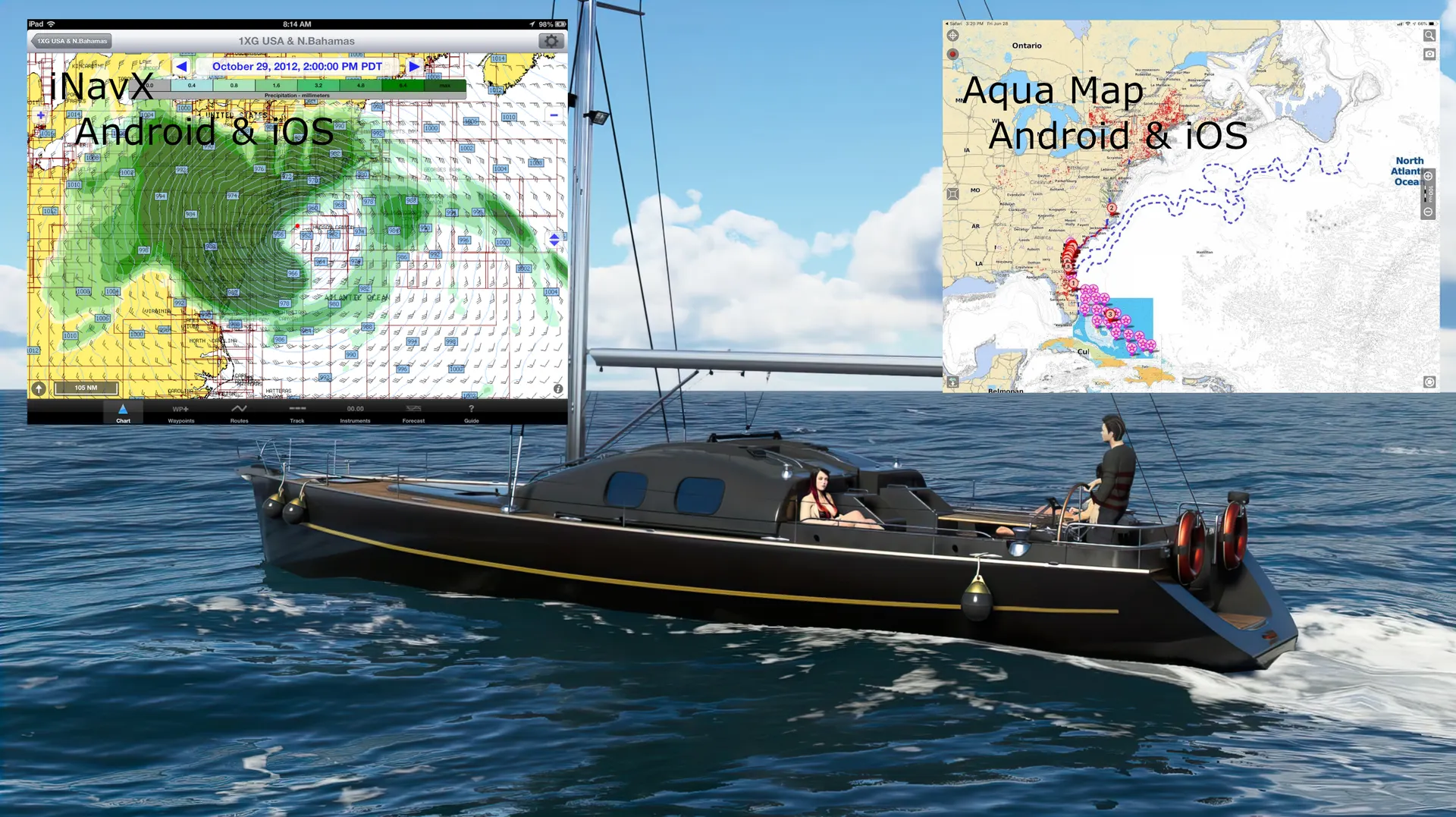
- Aqua Map (iOS & Android) - For marine navigation ...and many others, full list on the website and in the app presets list
REQUIREMENTS
- Windows PC, Xbox or PlayStation connected with a mobile device either by a local network or internet connection, or an active Cloud Gaming subscription.
- Smartphone or tablet: iPhone (iOS 14+) or Android (8.0+), with the FS2EFB app installed (QR available on the panel main screen)
INSTALLATION
- Install this add-on in Microsoft Flight Simulator
- Download the FS2EFB bridge app from the App Store (iOS) or Google Play (Android), QR codes in the toolbar window
- Launch both app and toolbar panel and ensure both devices are on the same Wi-Fi network, in case of Cloud Gaming - enable Relay mode both in app and toolbar panel then scan unique ID QR by the app
- Configure your EFB app to receive NMEA data via TCP or UDP
- Start flying — data streams automatically once the bridge app is running
PRIVACY & SECURITY
- No telemetry collected: Flight data or screen share images are not transmitted outside your home network
- If Relay server used: only "virtual" data stored (position of your aircraft), no personal or real data sent to the relay server
- No user accounts required: The app operates entirely offline on your local network